عربي

Construction Financial Tracking
From the Ground — No Fluff, No Theory

Not an accounting system. It reflects the real financial status of your projects — payments, expenses, subcontractors — all on your machine. No cloud. No subscription.

Everything You Need

Built for engineers, freelancers, individual contractors, and small-to-medium contracting companies — by one of them. (Large firms welcome too.)

📋

Projects & Subcontractors

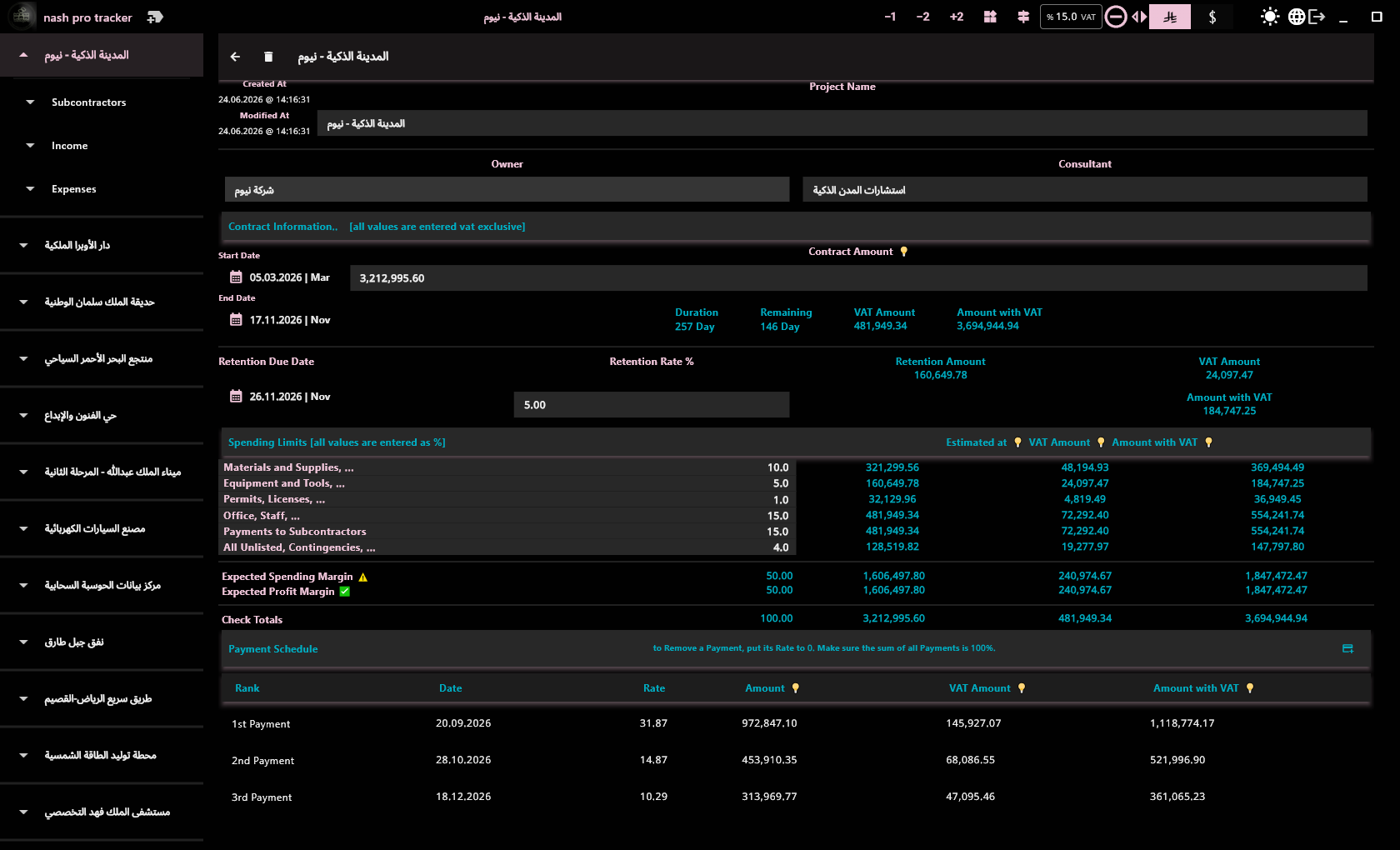
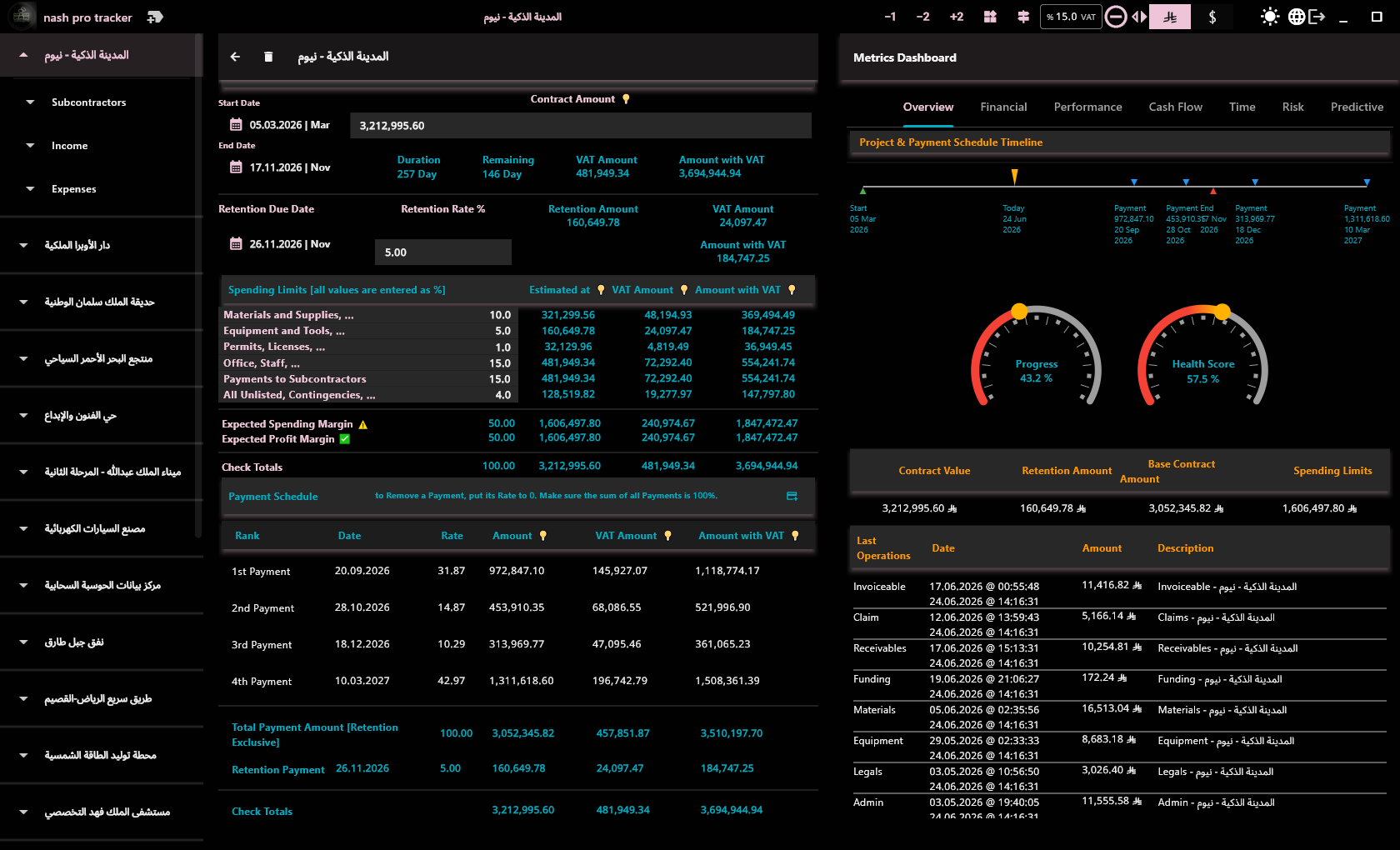
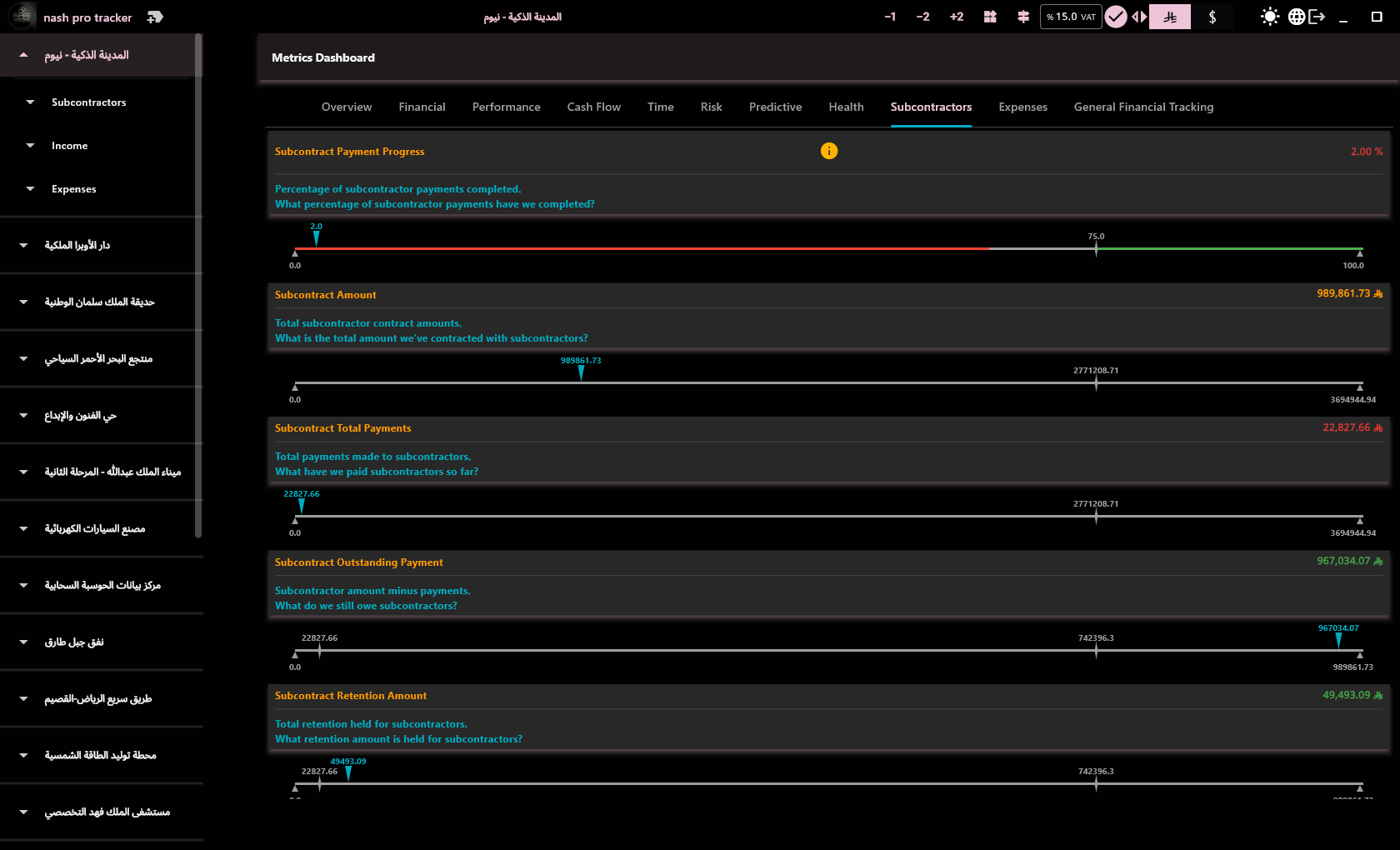
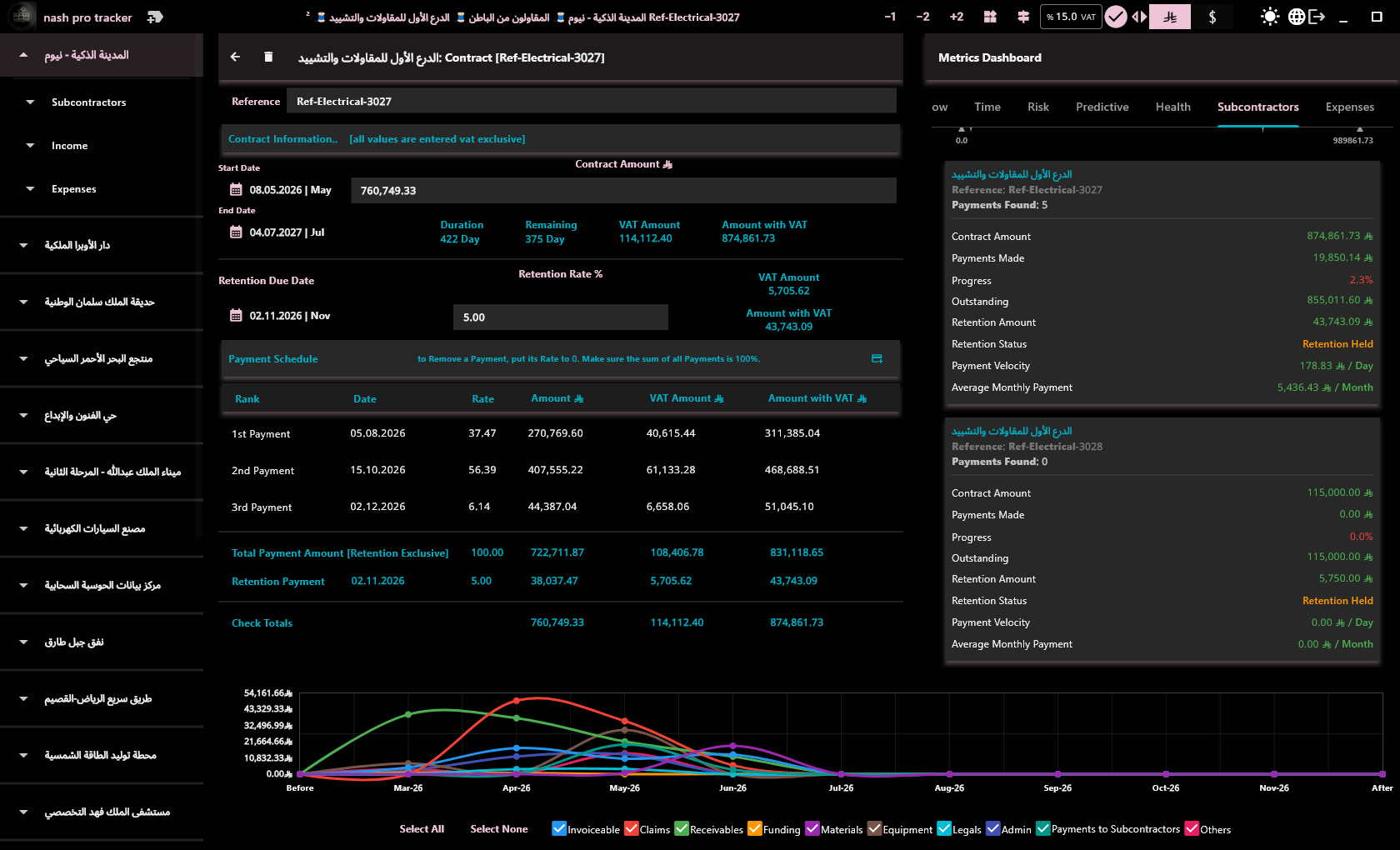
Manage multiple projects and subcontractor contracts. Each contract with independent payment schedule, retention rate, and expense limits.

💰

Revenue Tracking

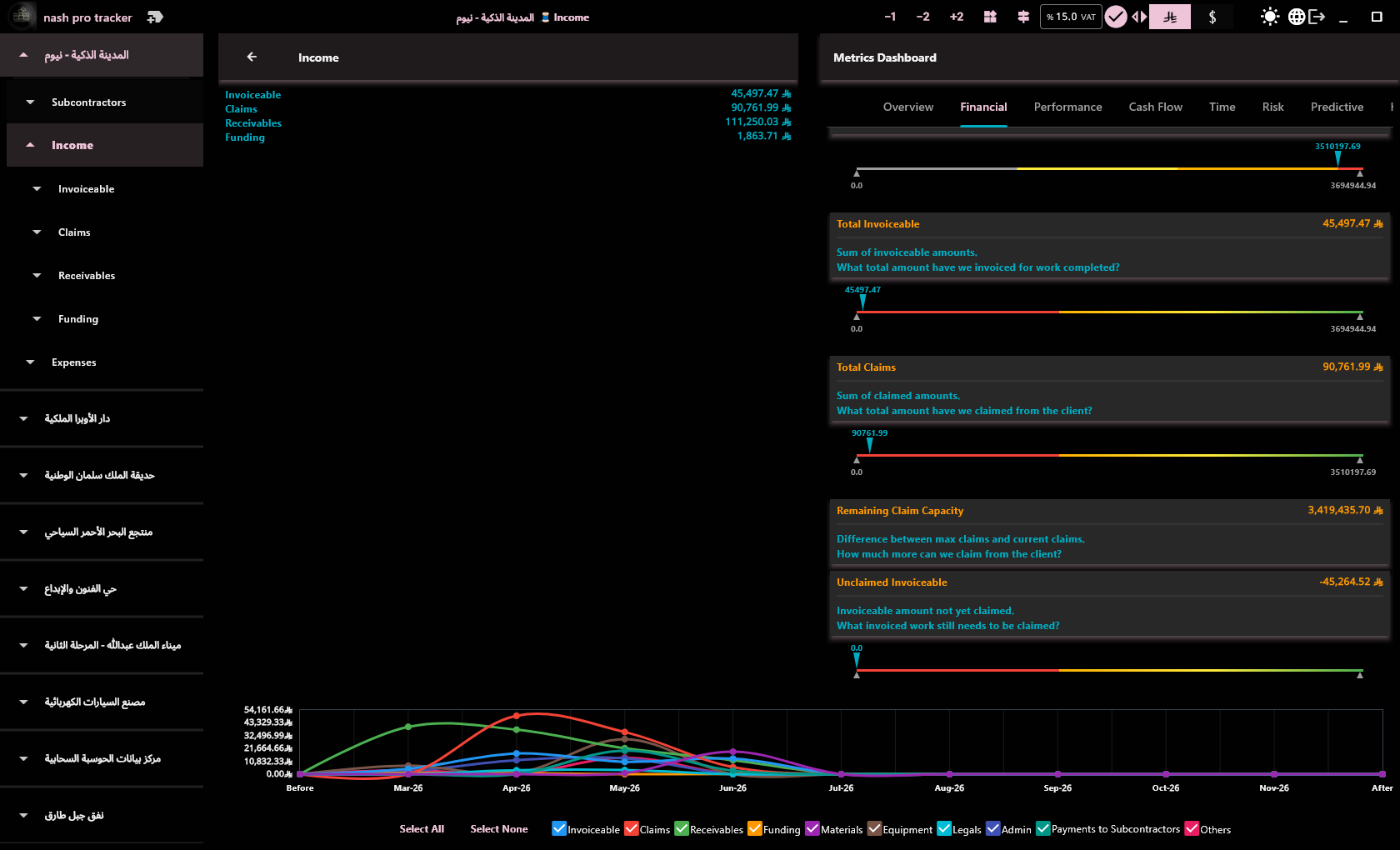
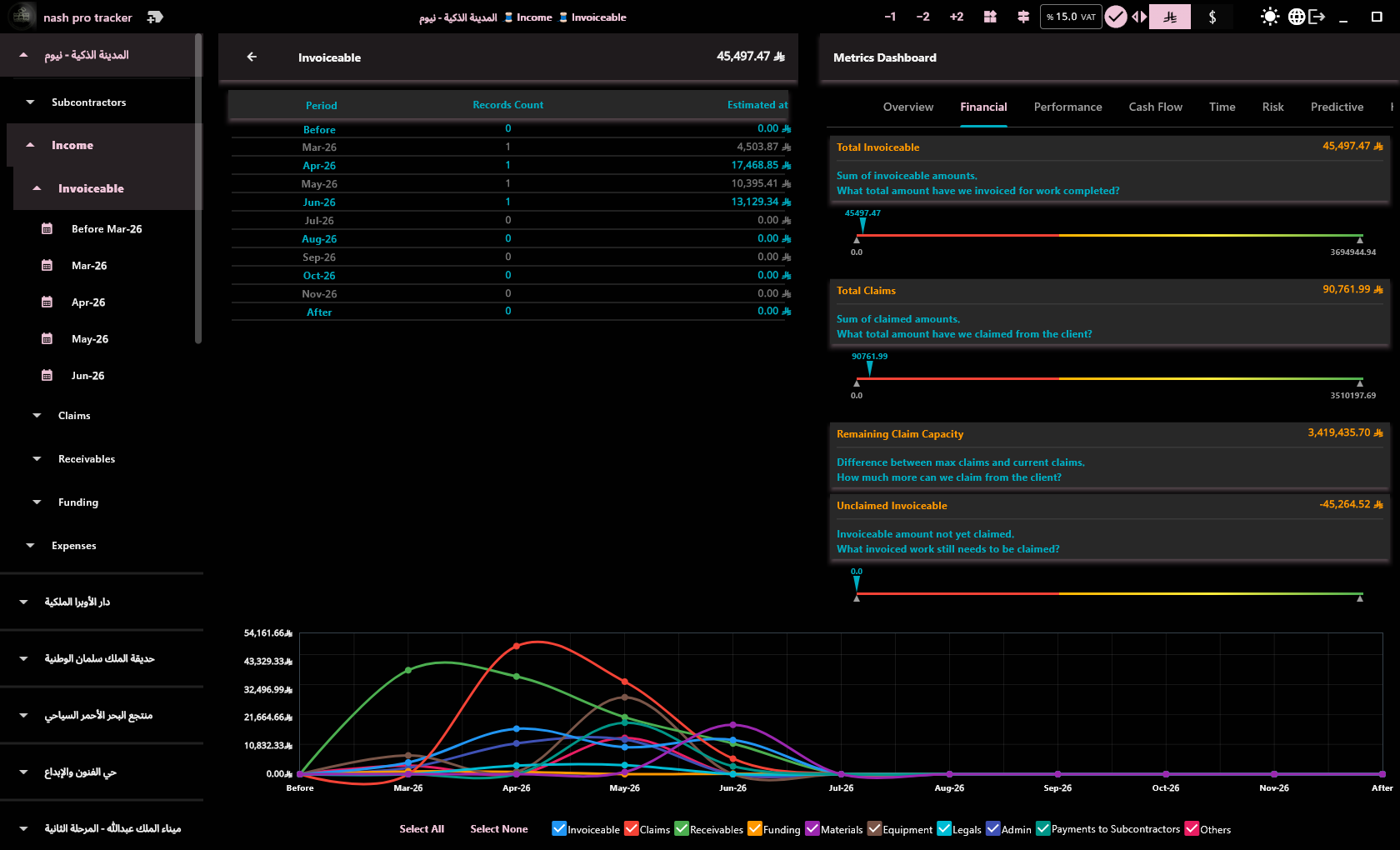
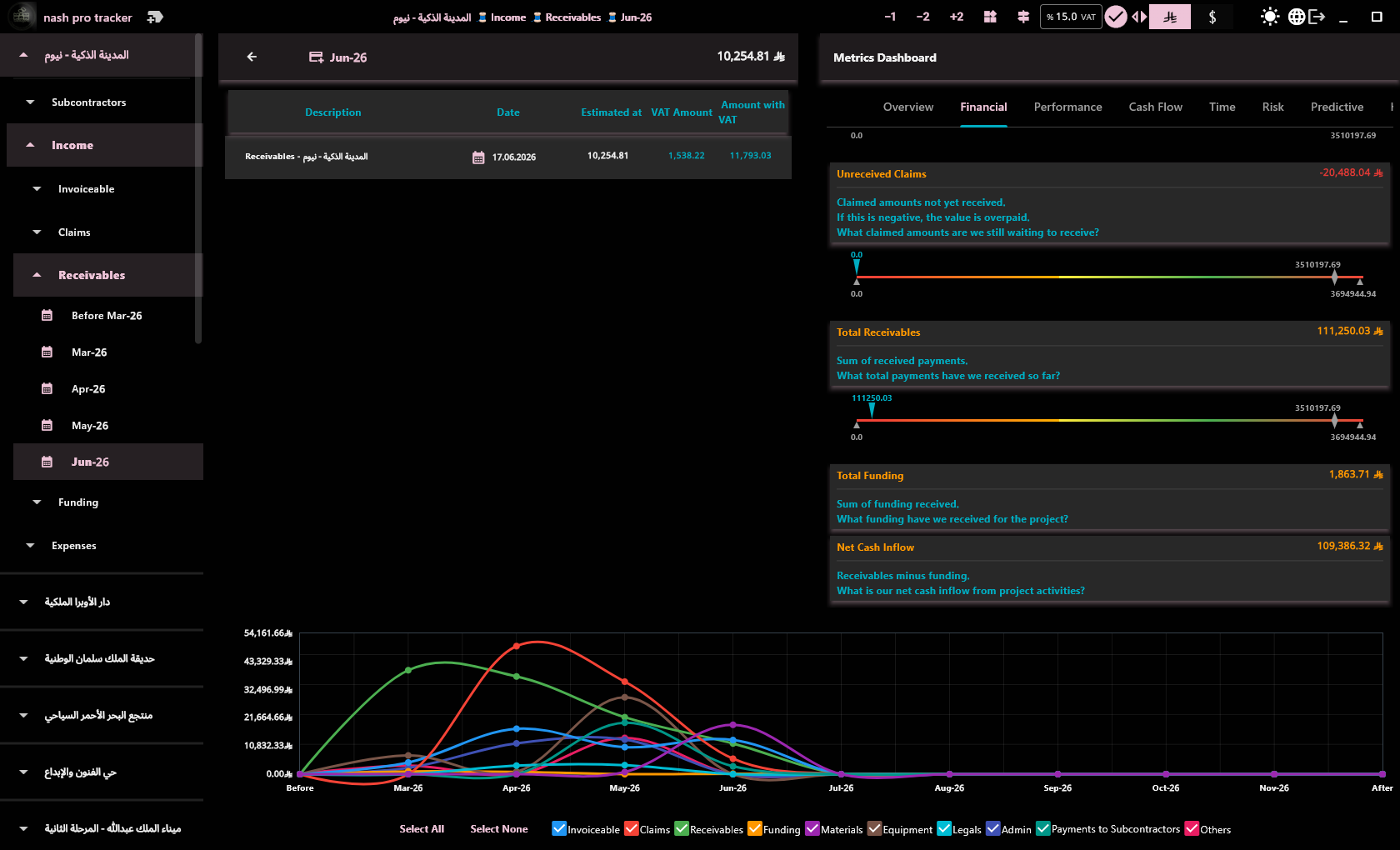
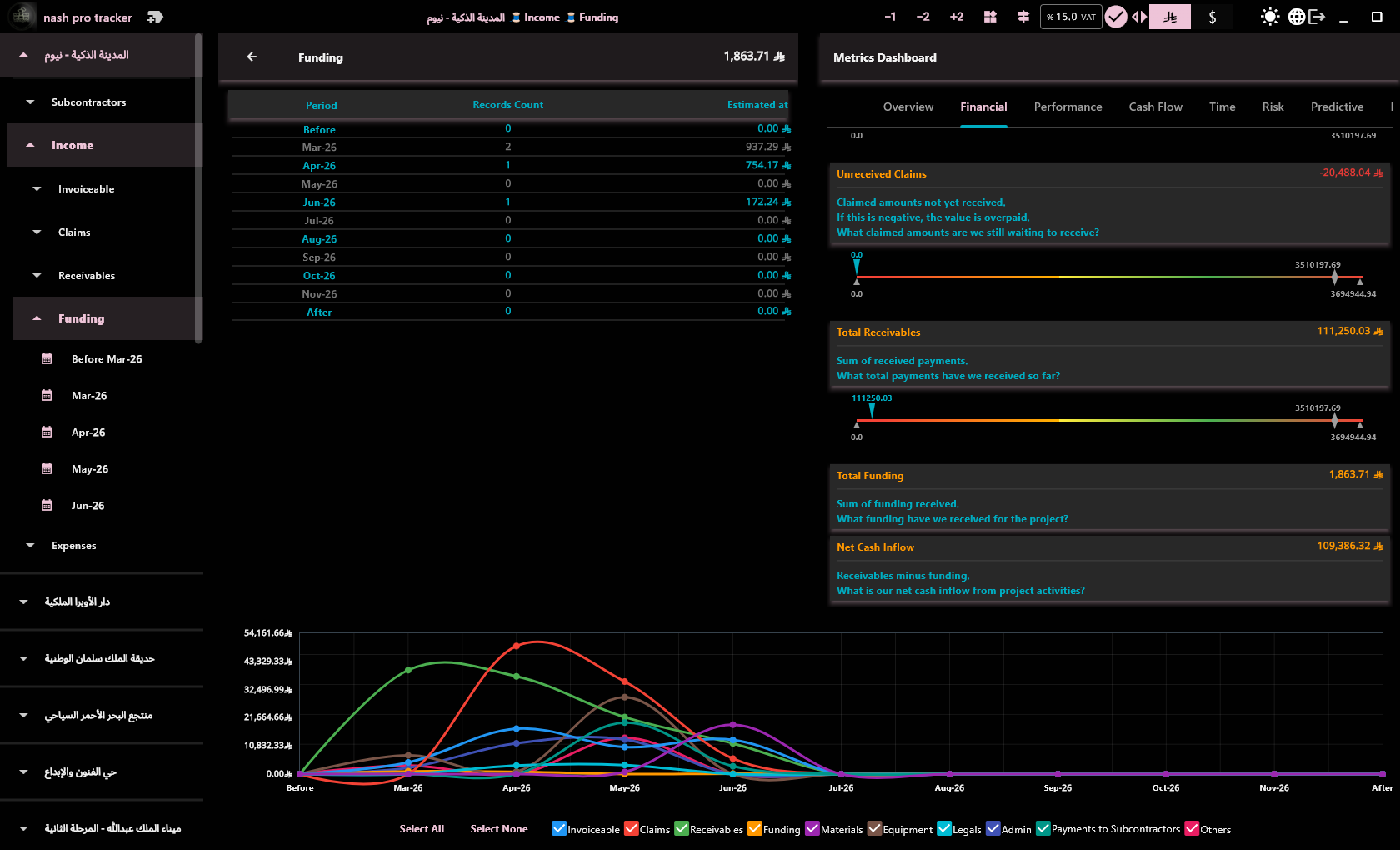
Log payments with VAT included/excluded. Monthly view for each income item with running totals.

🔒

Retention & Claims

Track retention percentage and due date. Set expense limits and monitor overruns from the alert bell.

📊

Financial KPIs

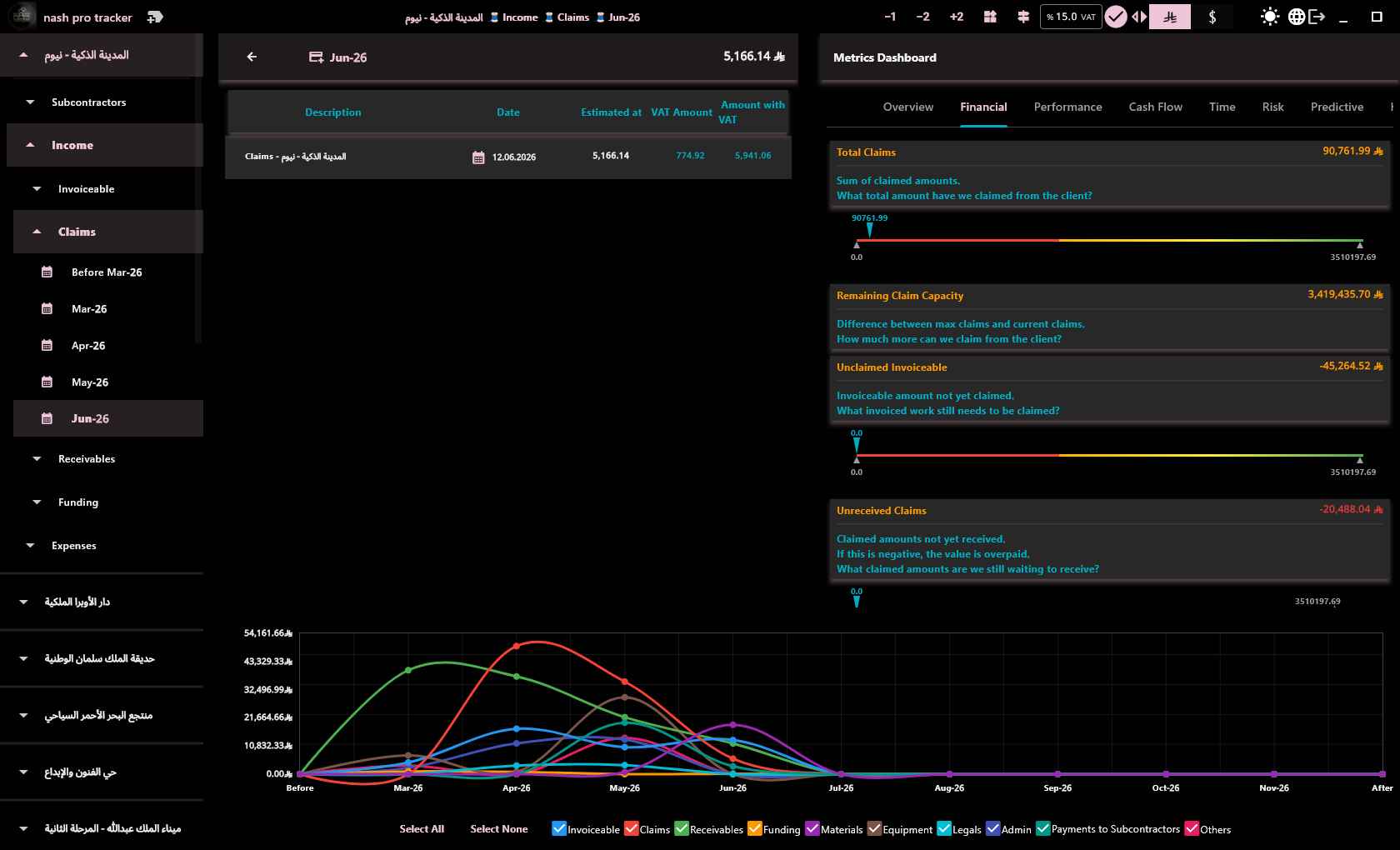
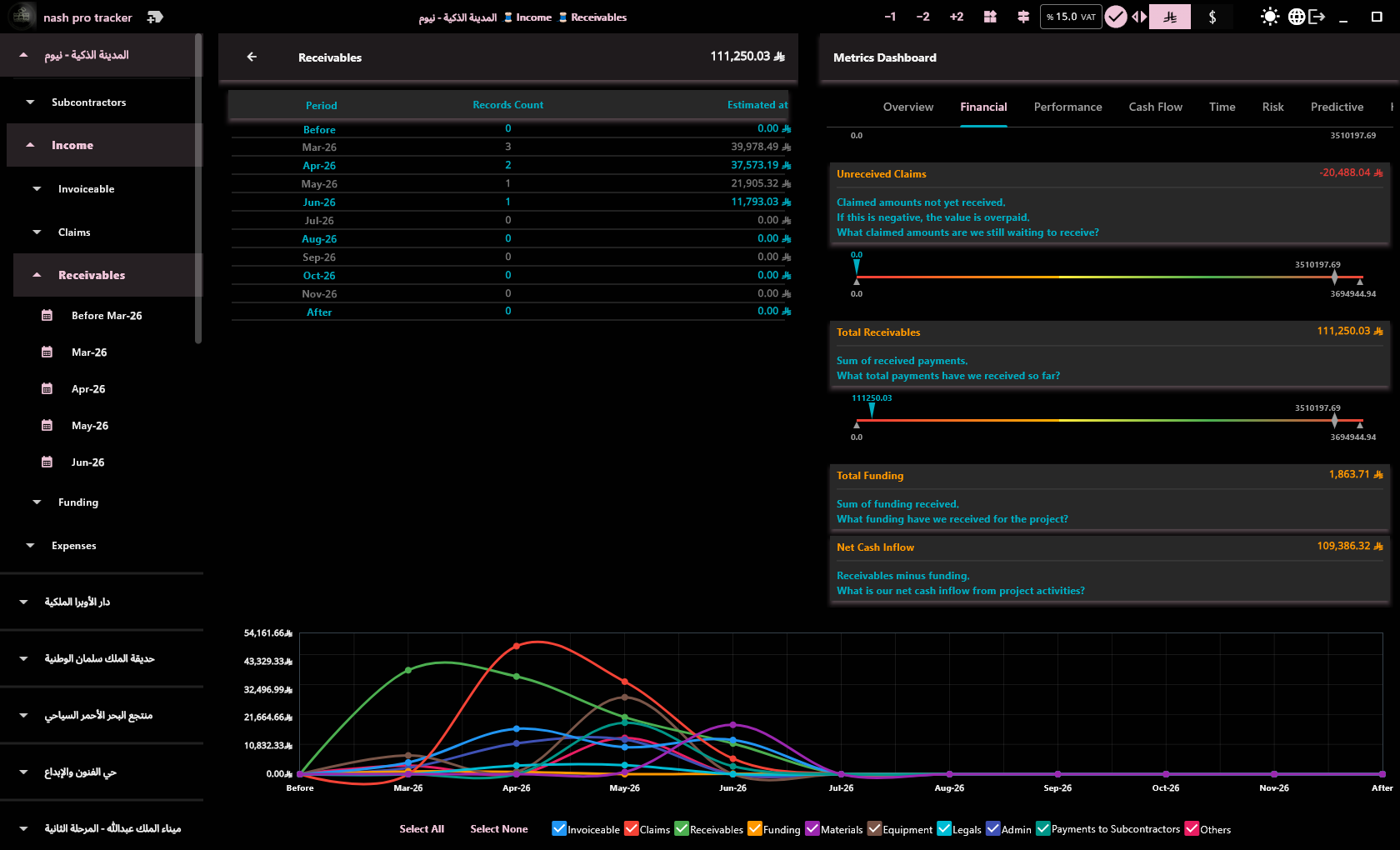
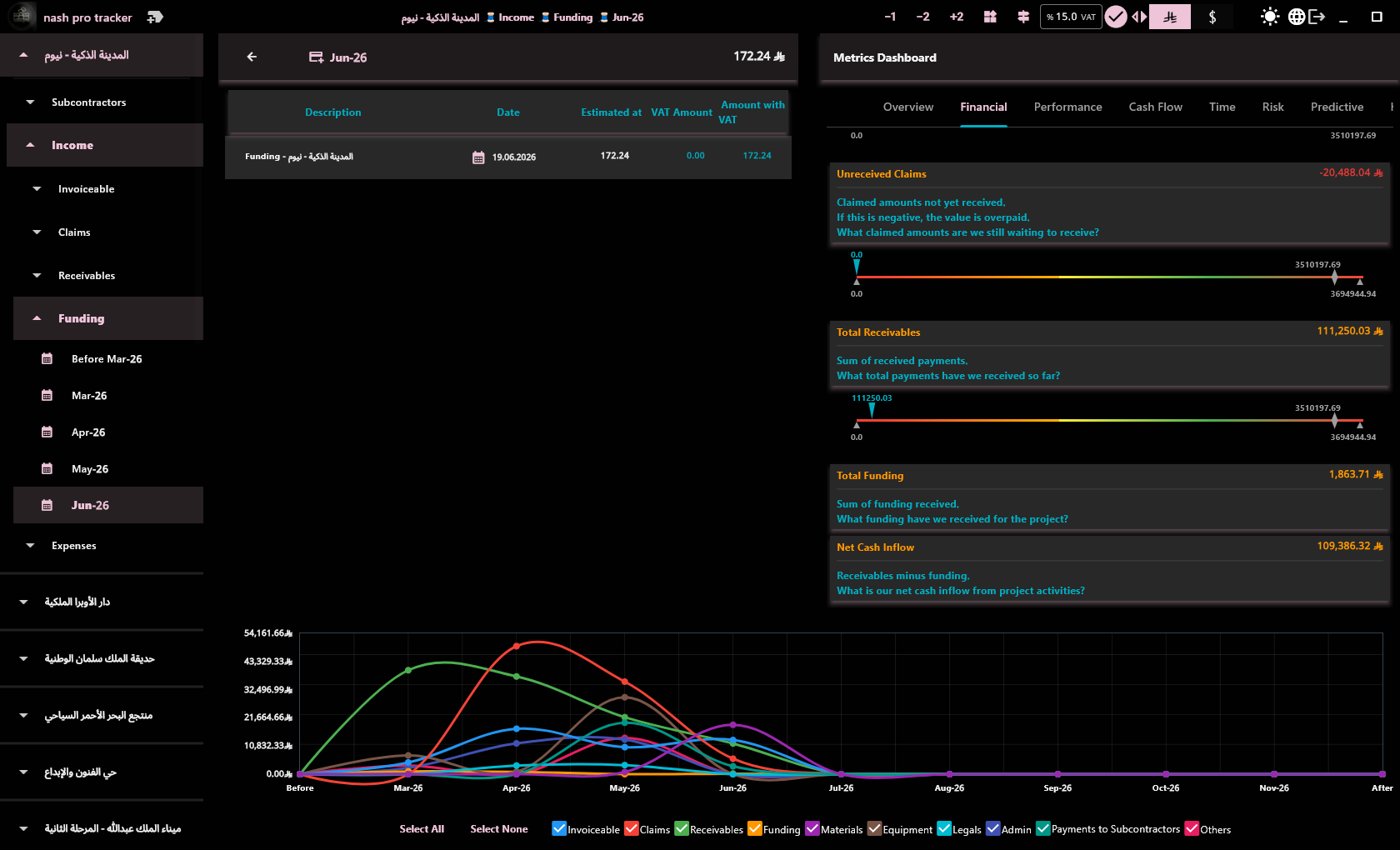
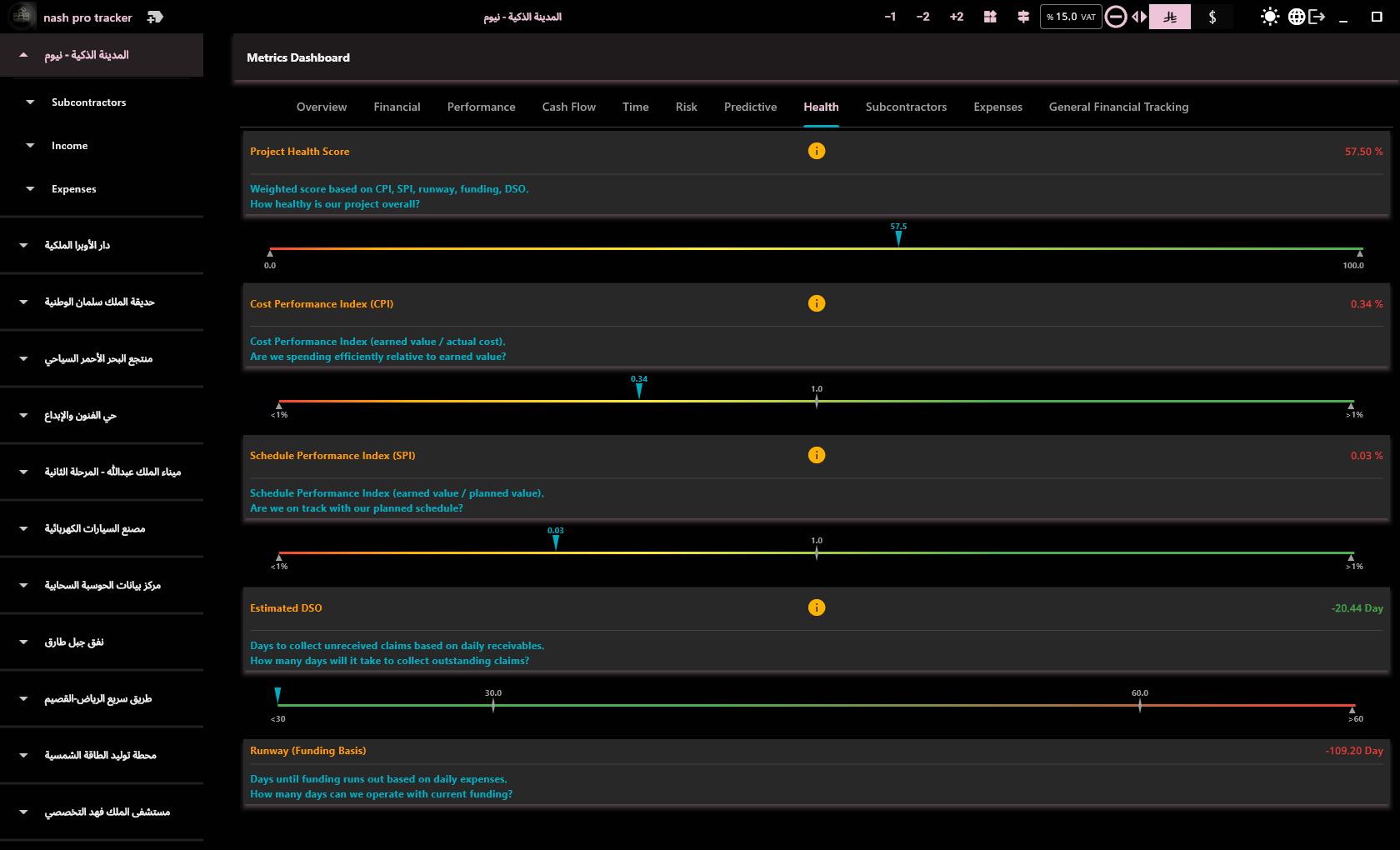
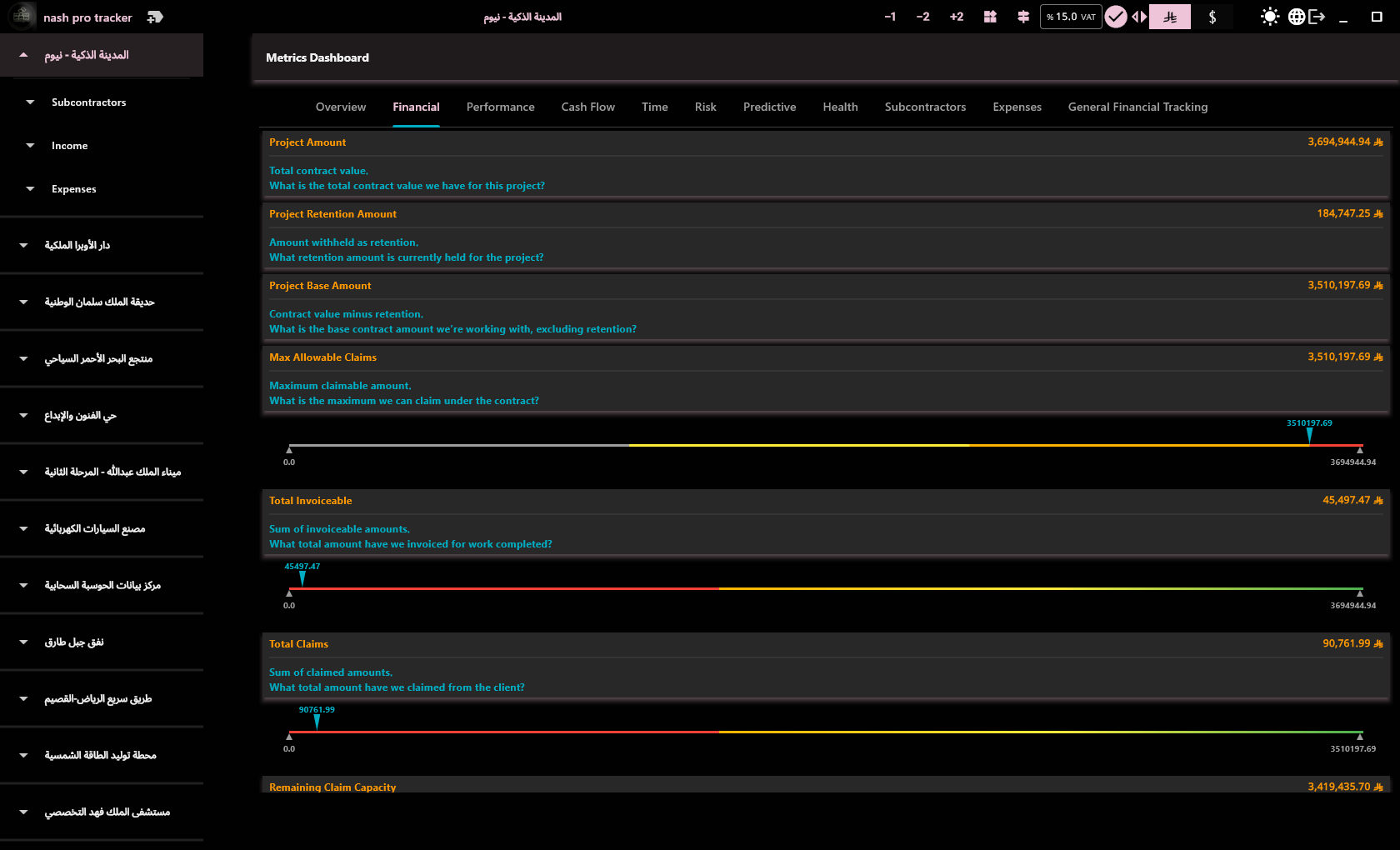
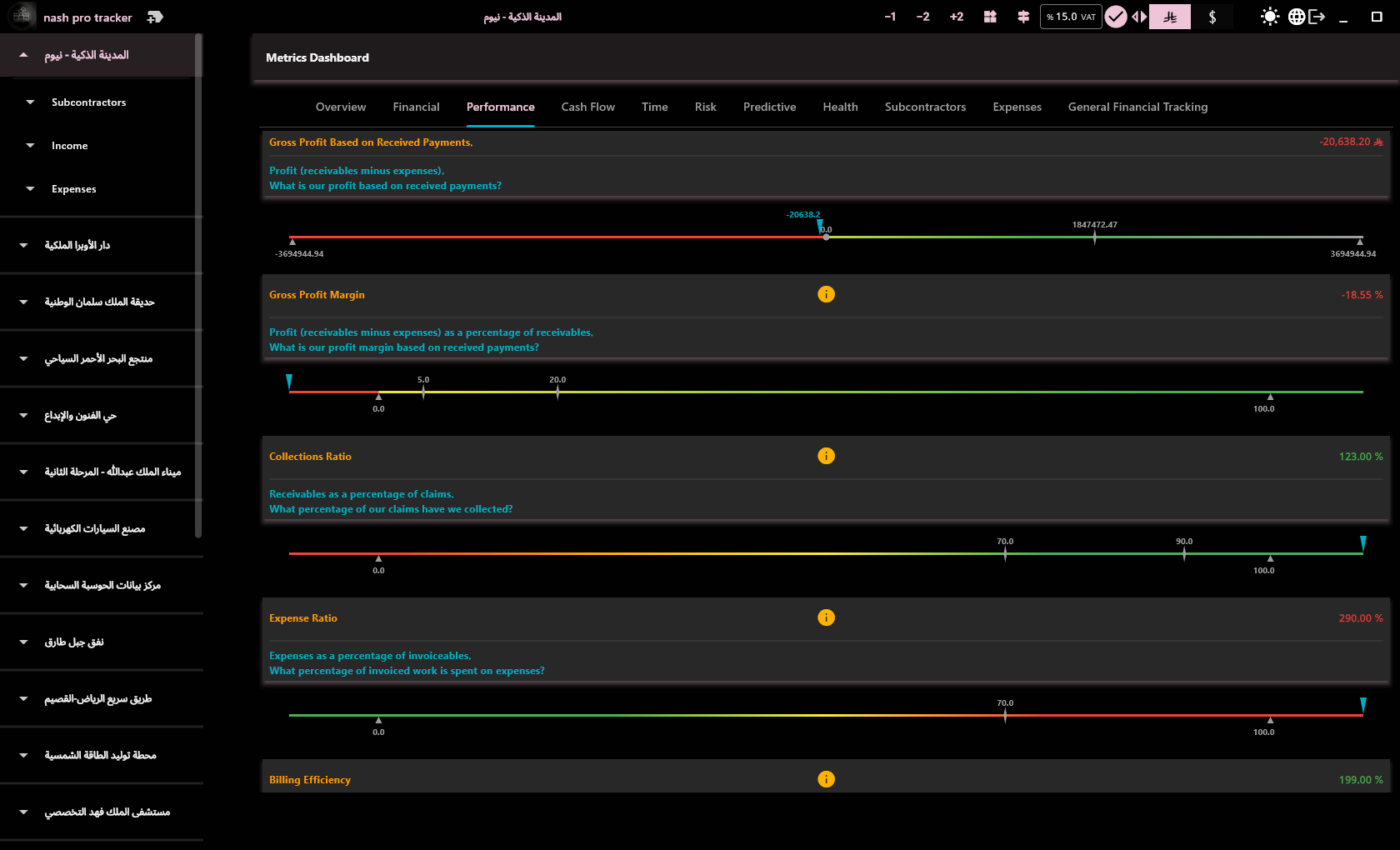
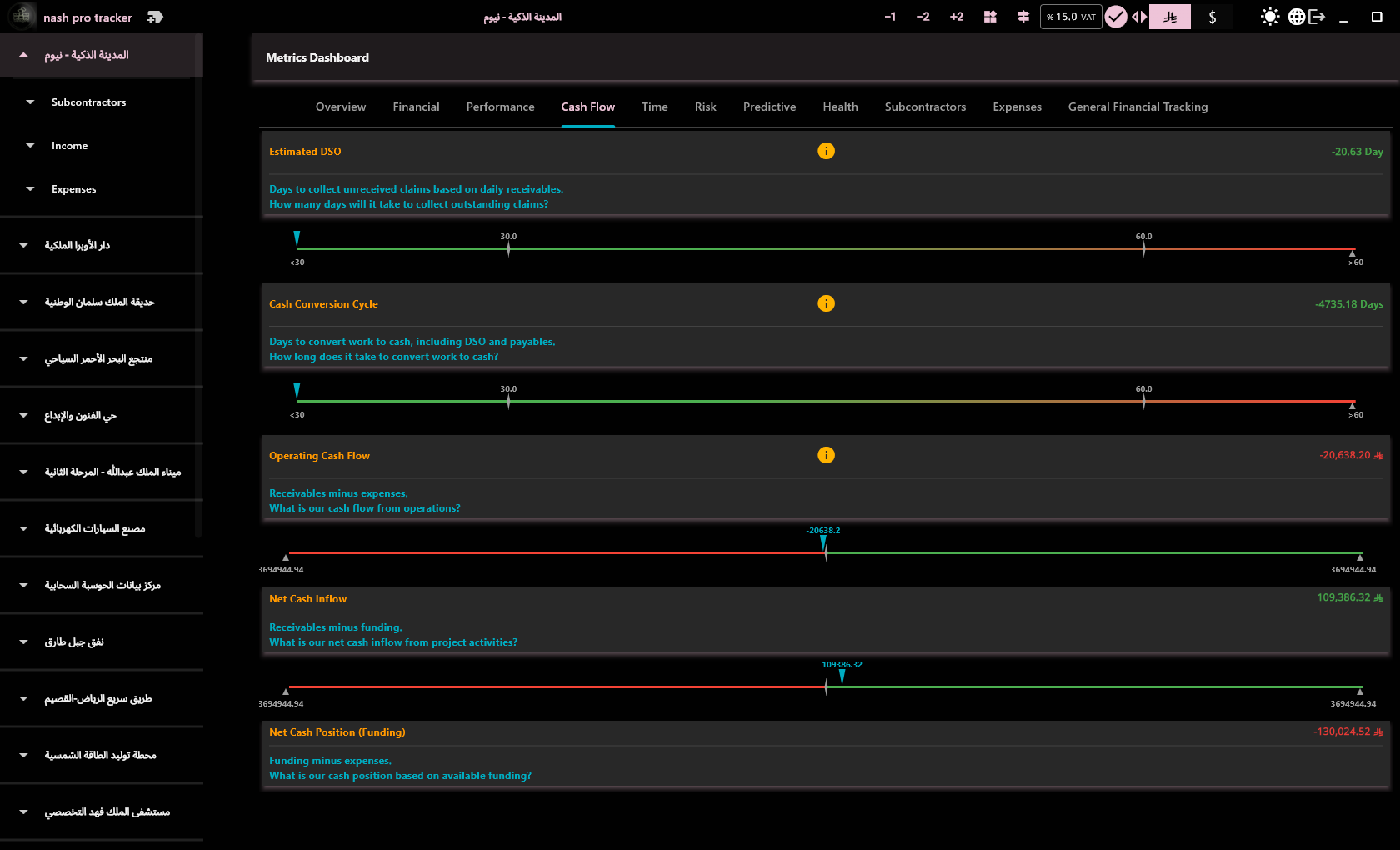
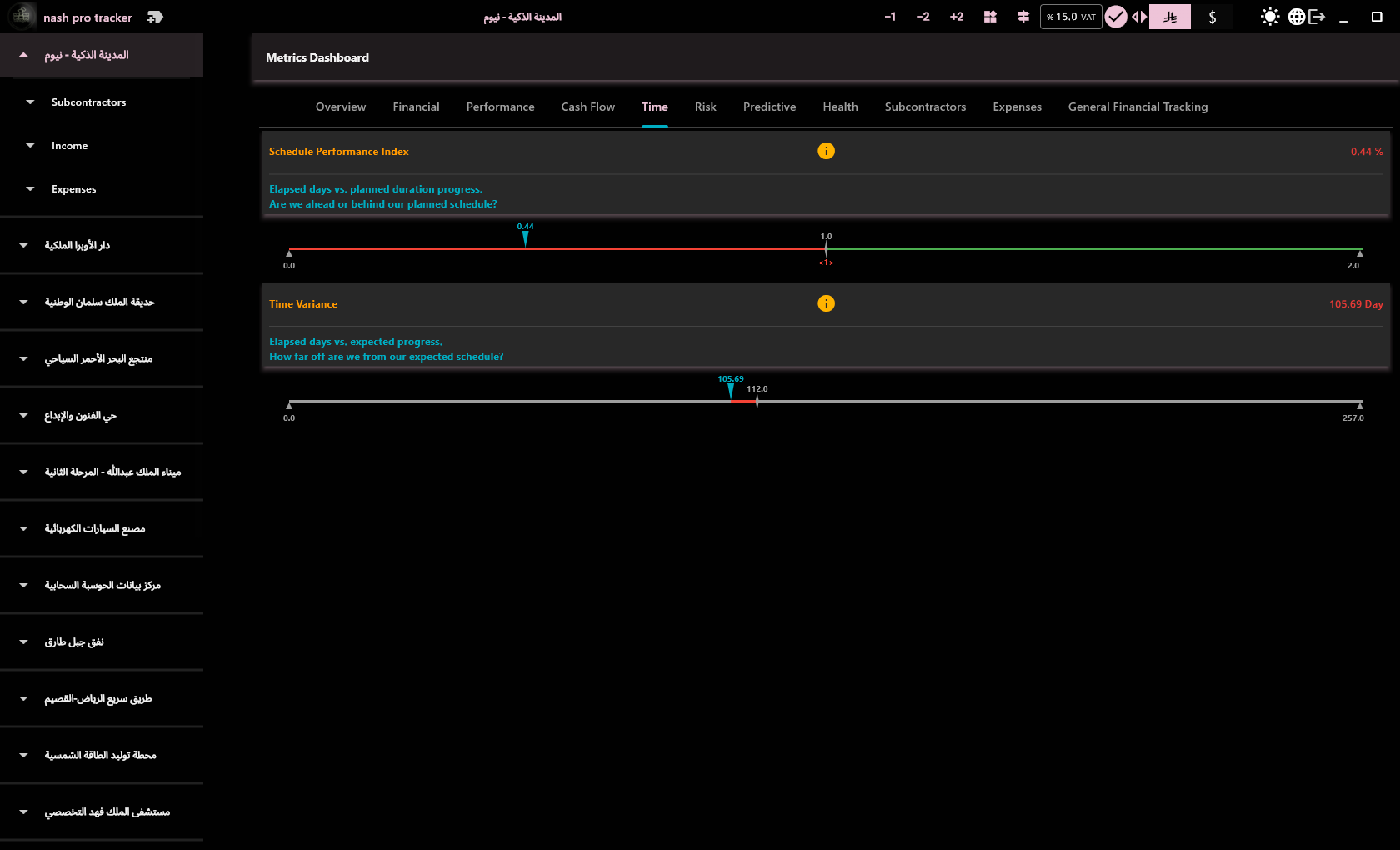
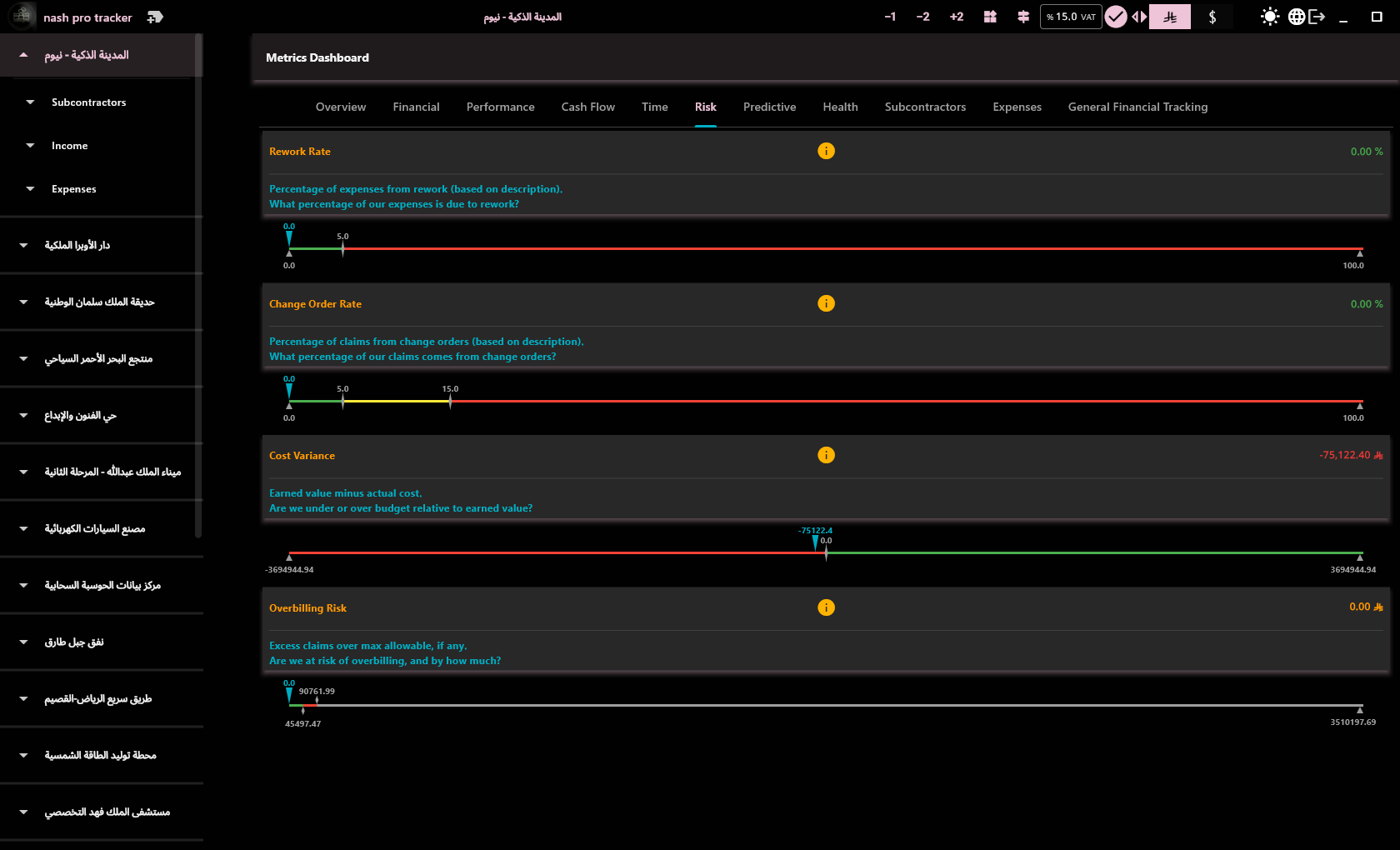
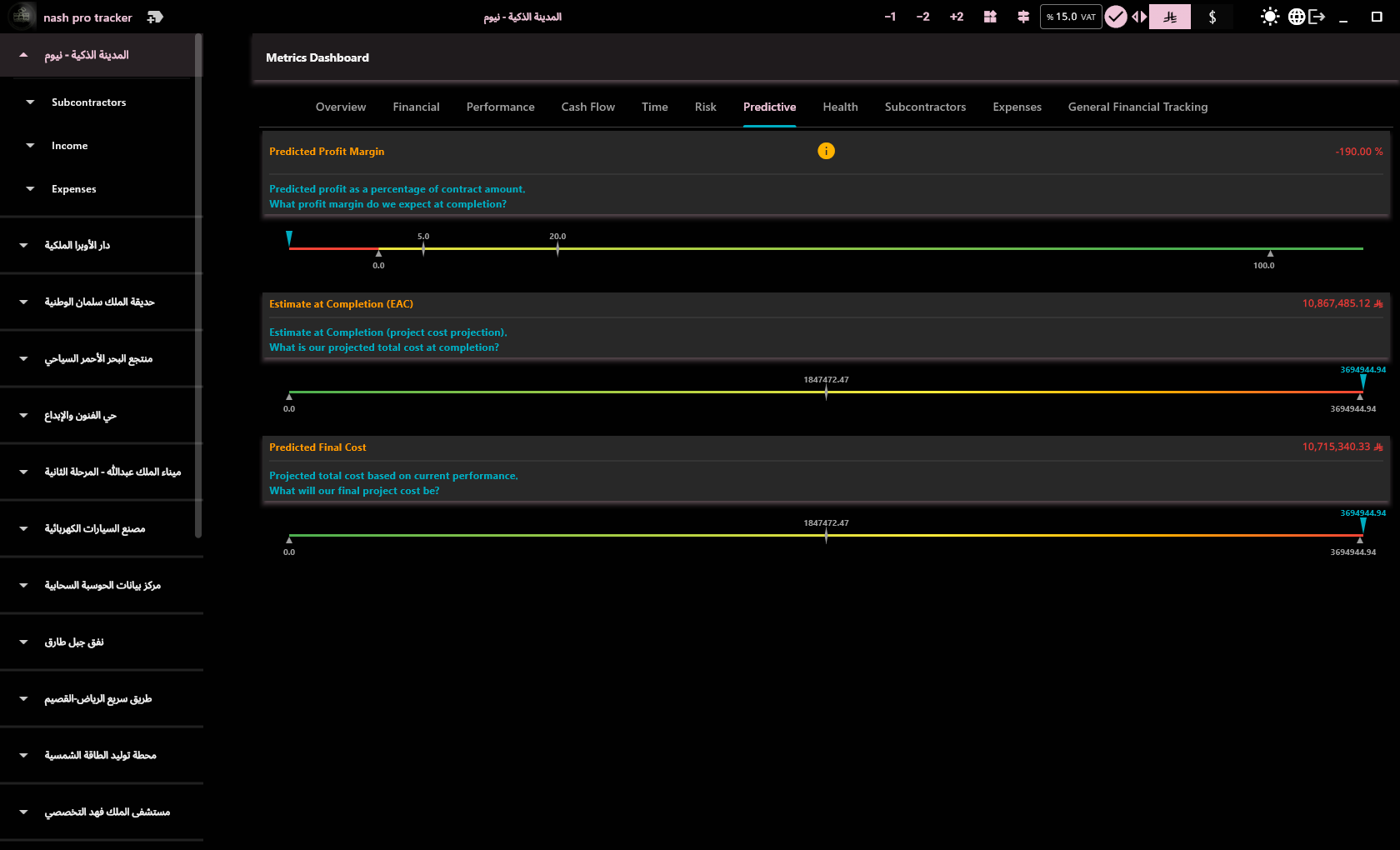
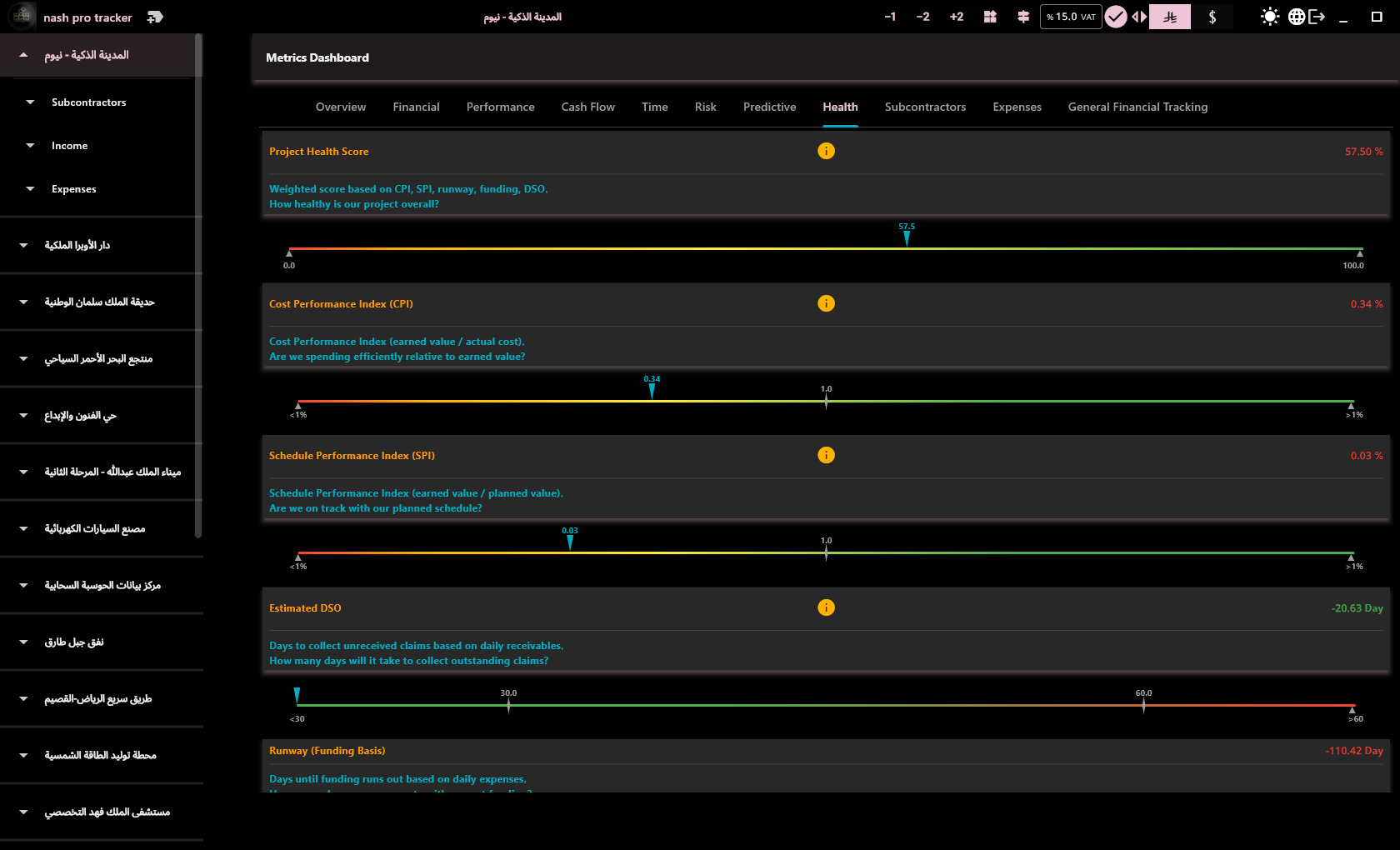
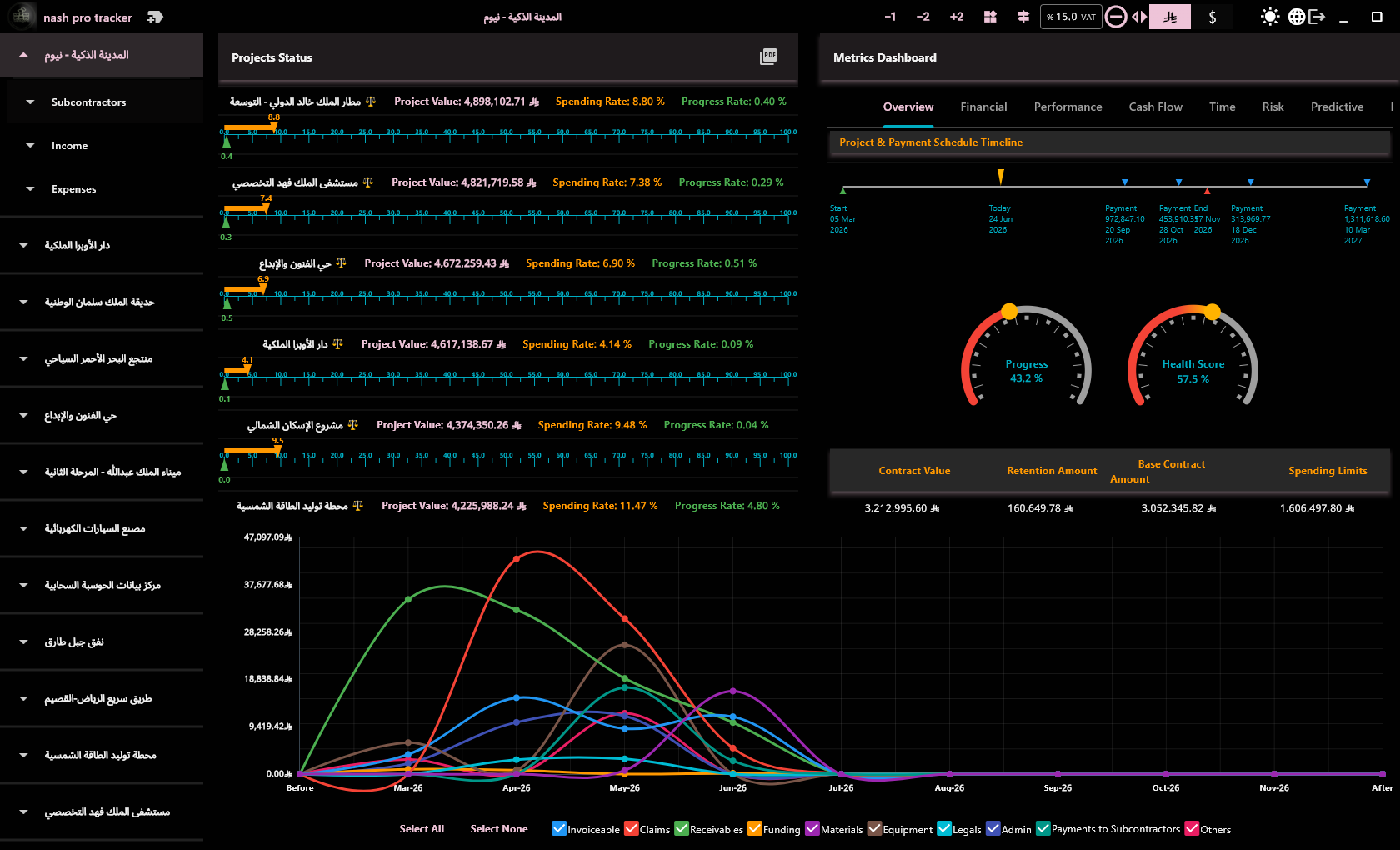
Gross profit margin, billing efficiency, claims velocity — auto-calculated from your data with interactive charts.

📁

Report Export

Export any view to CSV for your accountant or PDF in one click. Ready for your next meeting.

🌐

English & Arabic

Full RTL support. Switch between languages seamlessly. Correct acronym handling in Arabic PDF exports.

What was done — not what wasn't, not what's planned

We'll find a better direction when we know what we have — nothing after it begins without it

Why This App vs. ERP?

ERP is built for accountants. This app is built for the contractor.

Traditional ERP

  • ❌ Needs a dedicated team to operate
  • ❌ Requires invoice-level detail entry
  • ❌ Reports need an accountant to run
  • ❌ Expensive monthly per-user subscription
  • ❌ Your data on their cloud

NPT Financial Tracker

  • ✅ Download & start — minutes, not months
  • ✅ Monthly purchase orders, no detailed invoices
  • ✅ KPIs auto-calculated from your data
  • ✅ Free trial — no credit card required
  • ✅ Your data on your machine — no one sees it

Real-Time Financial KPIs

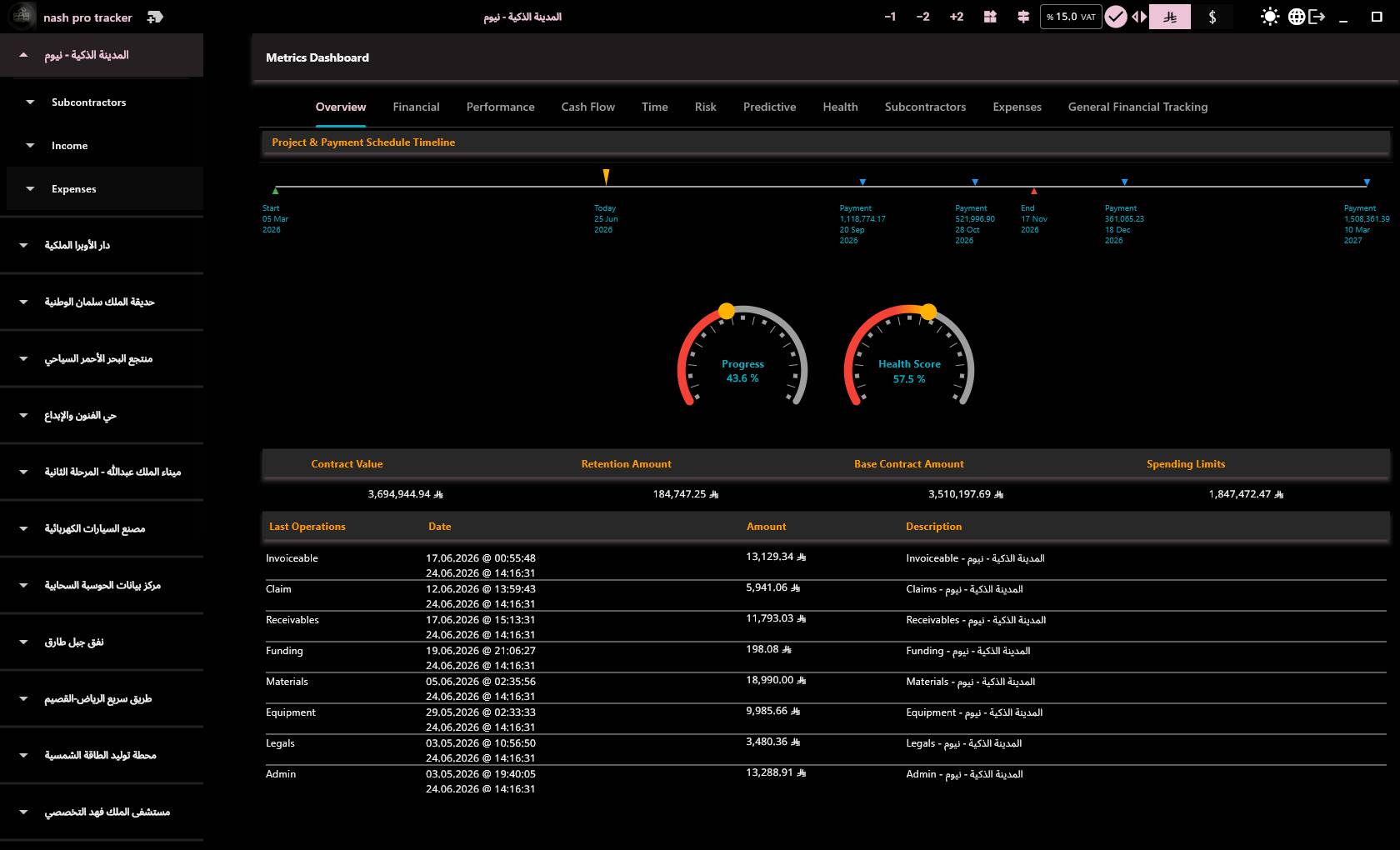
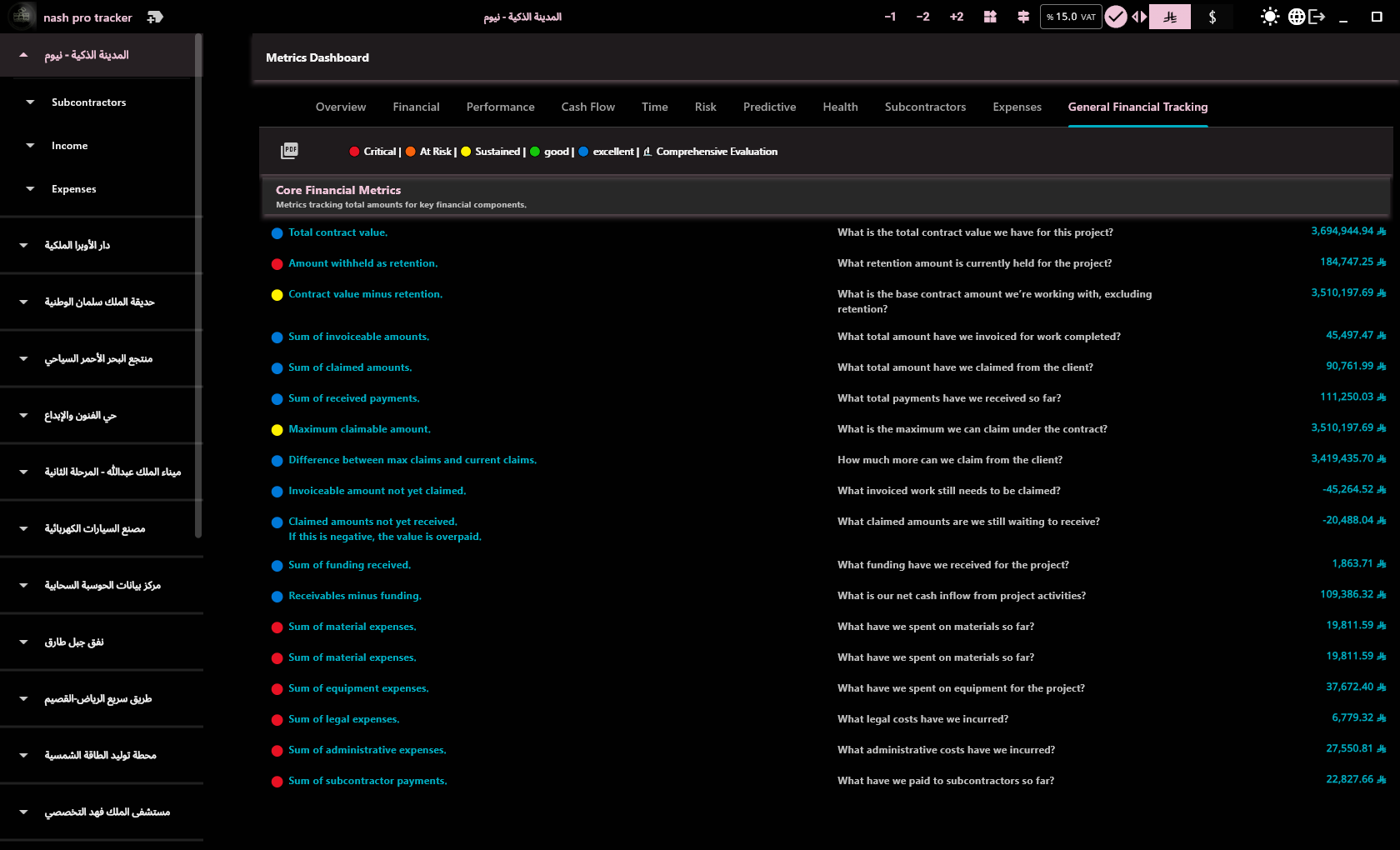
From simple daily entries, you get metrics that used to need an accountant.

%

Gross Profit Margin

(Total Income − Total Expenses) ÷ Total Income. Shows the real profitability of each project.

Billing Efficiency

Amount invoiced vs. work completed. Is your billing covering what you have spent?

📈

Claims Velocity

How fast claims are settled with the client. An indicator of your project cash flow health.

All KPIs auto-calculated — zero extra effort. Interactive charts for monthly trends.

See Nash Pro Tracker in action.
Video Tutorials

Overview

The general layout — project tree, workspace zones, metrics.

Short walkthroughs of key features.

Adding a Project

Create a new project with contract details, dates, payment schedule, and expense limits.

Revenue Tracking

Log payments with VAT included or excluded. View revenue history.

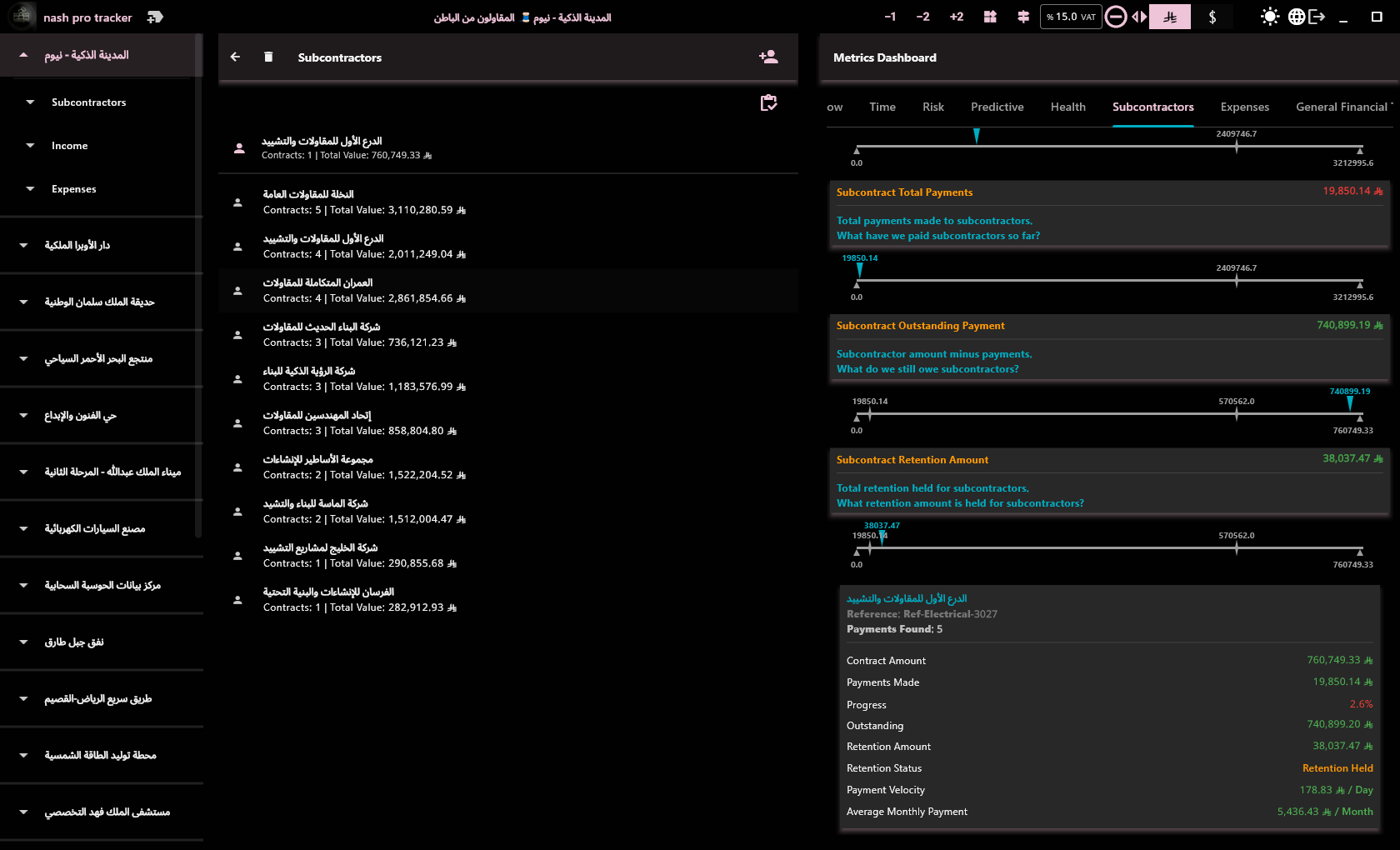
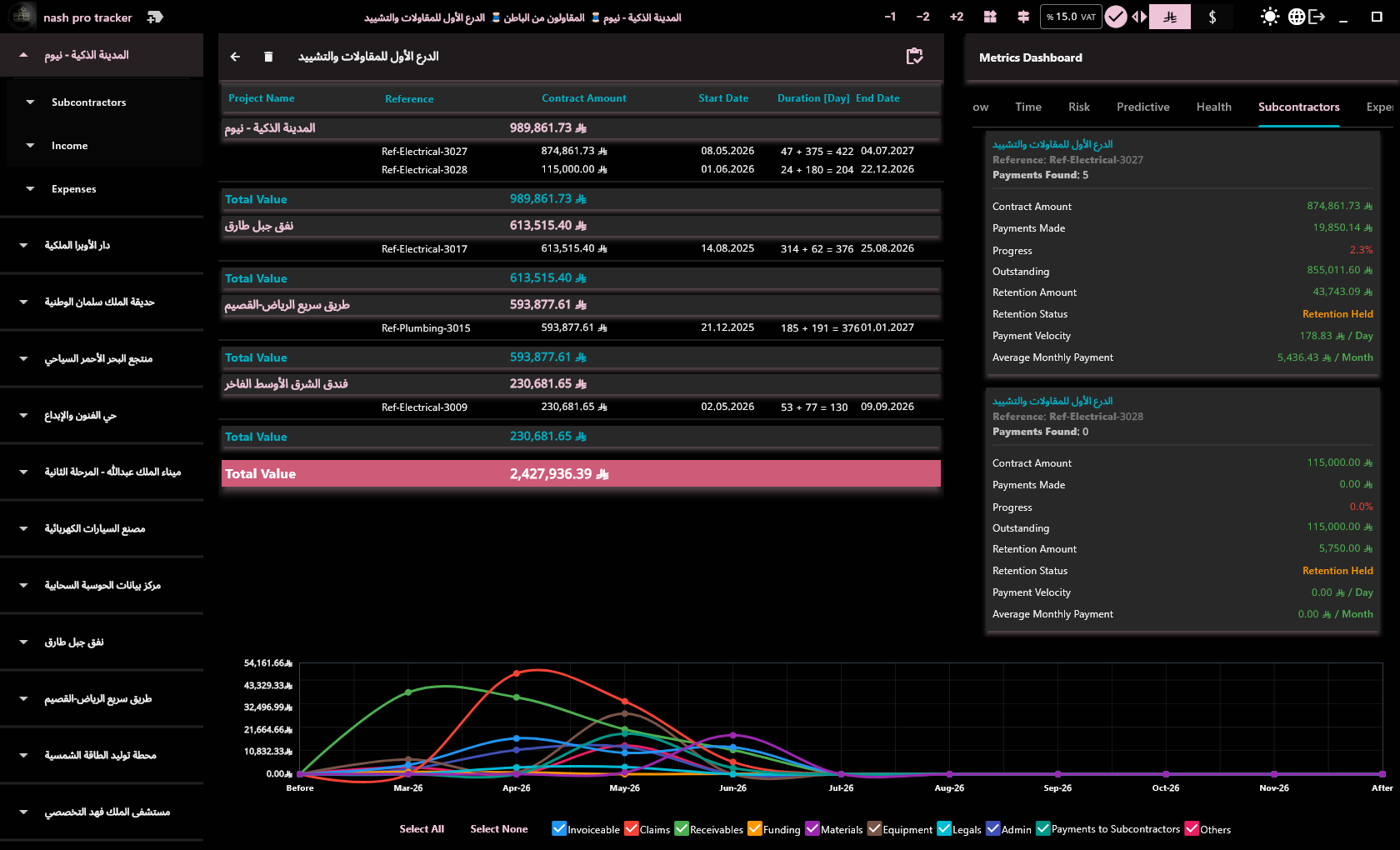
Subcontractor Contracts

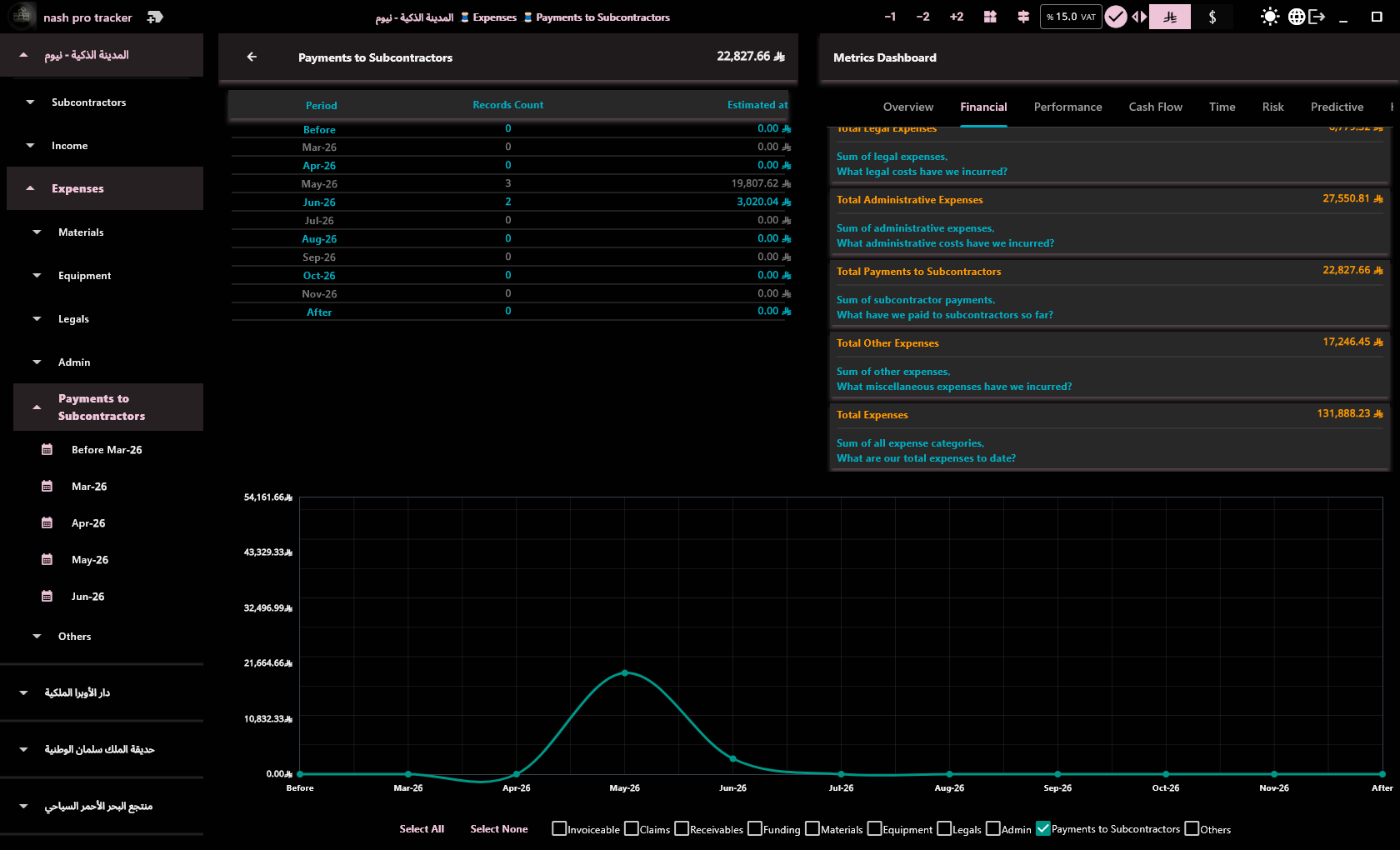
Add and manage subcontractor agreements under each project.

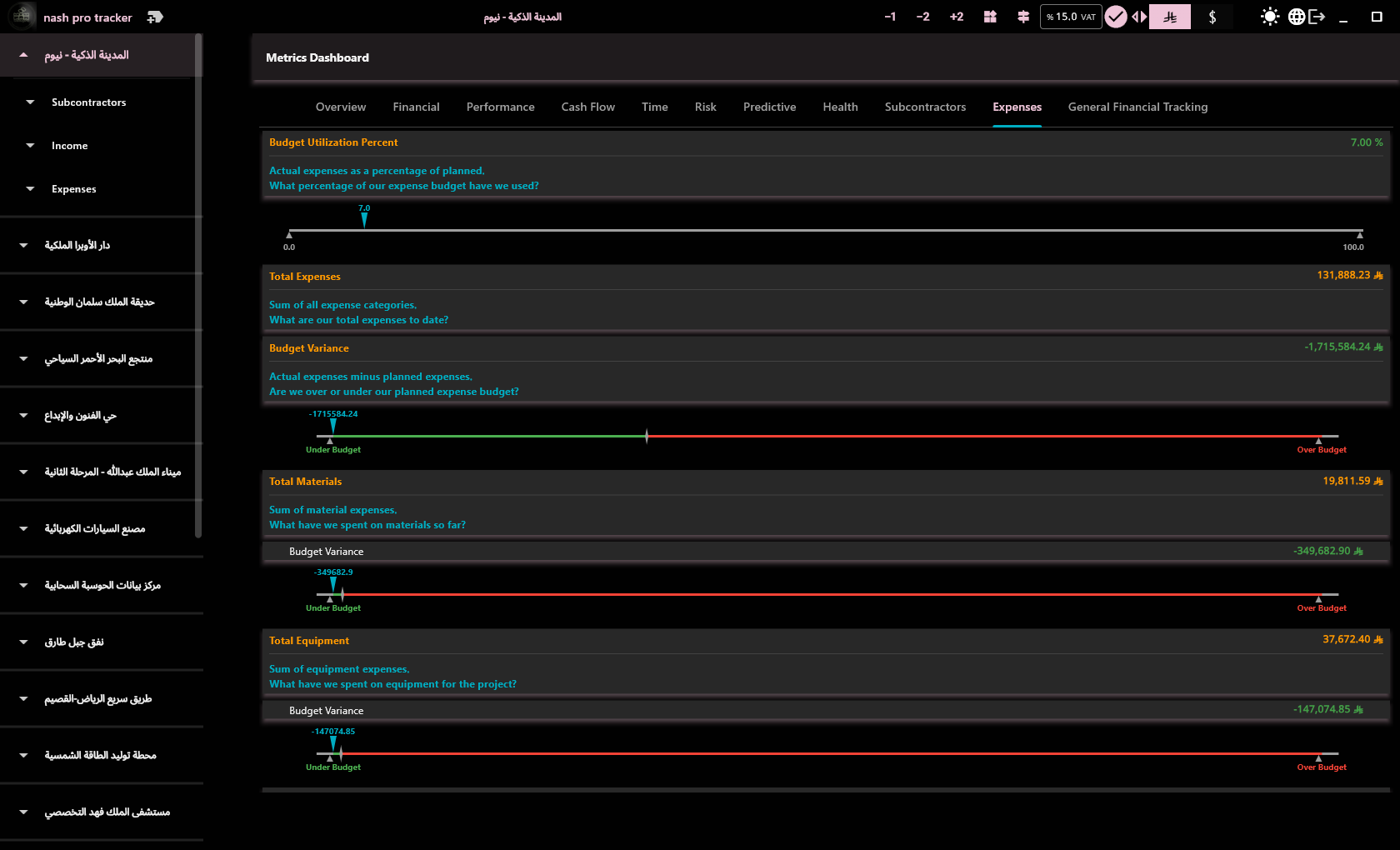
Expenses Breakdown

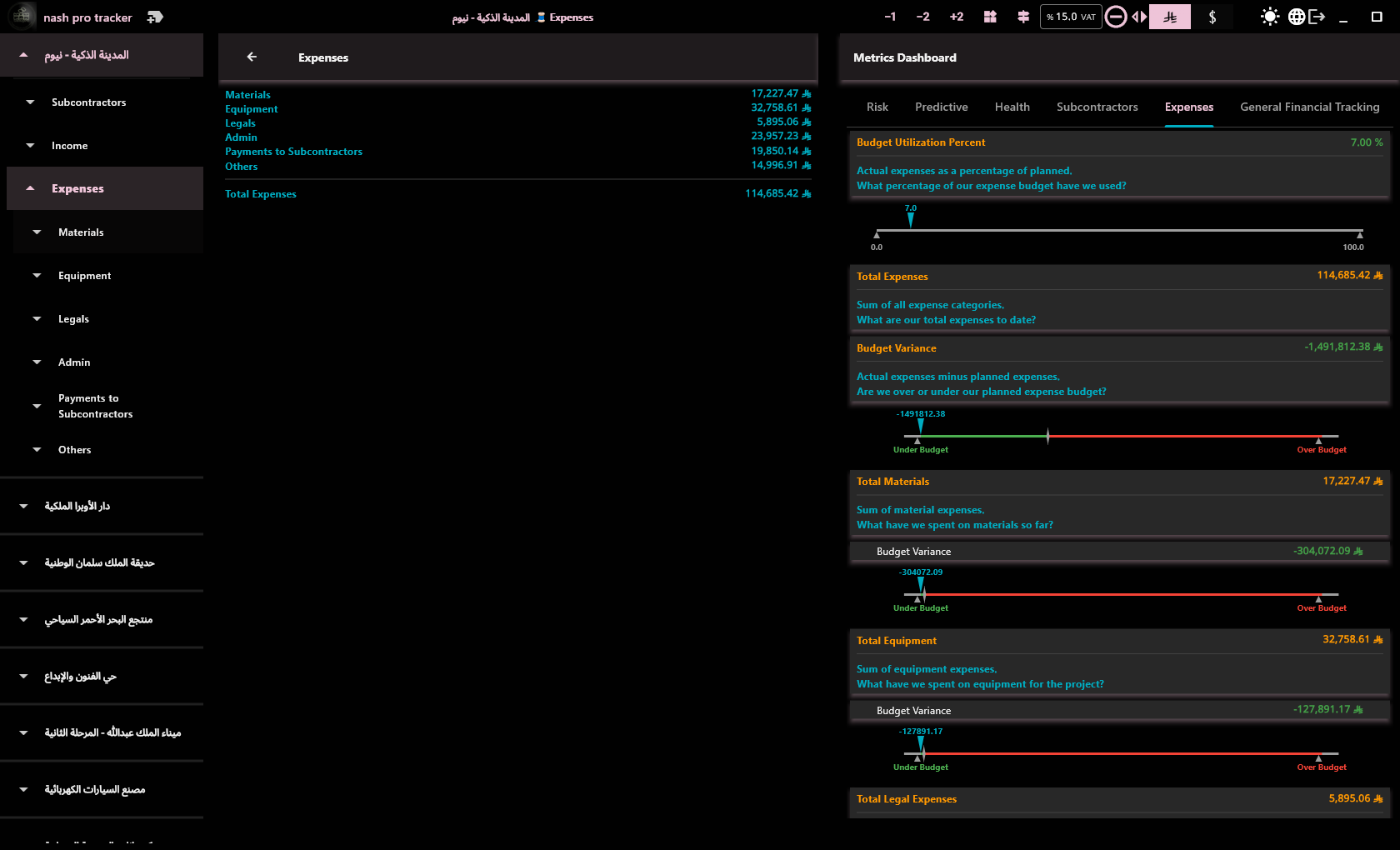
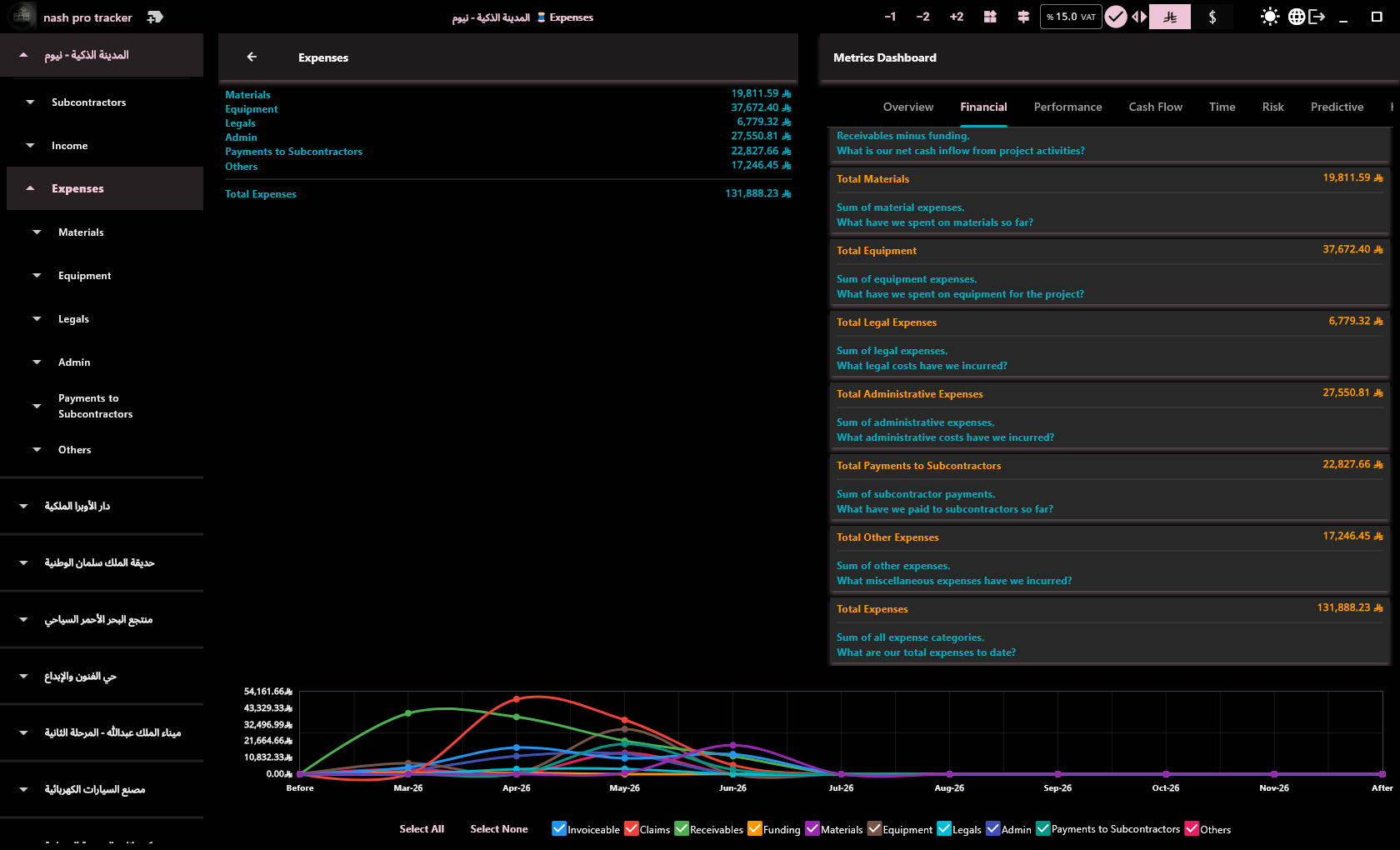
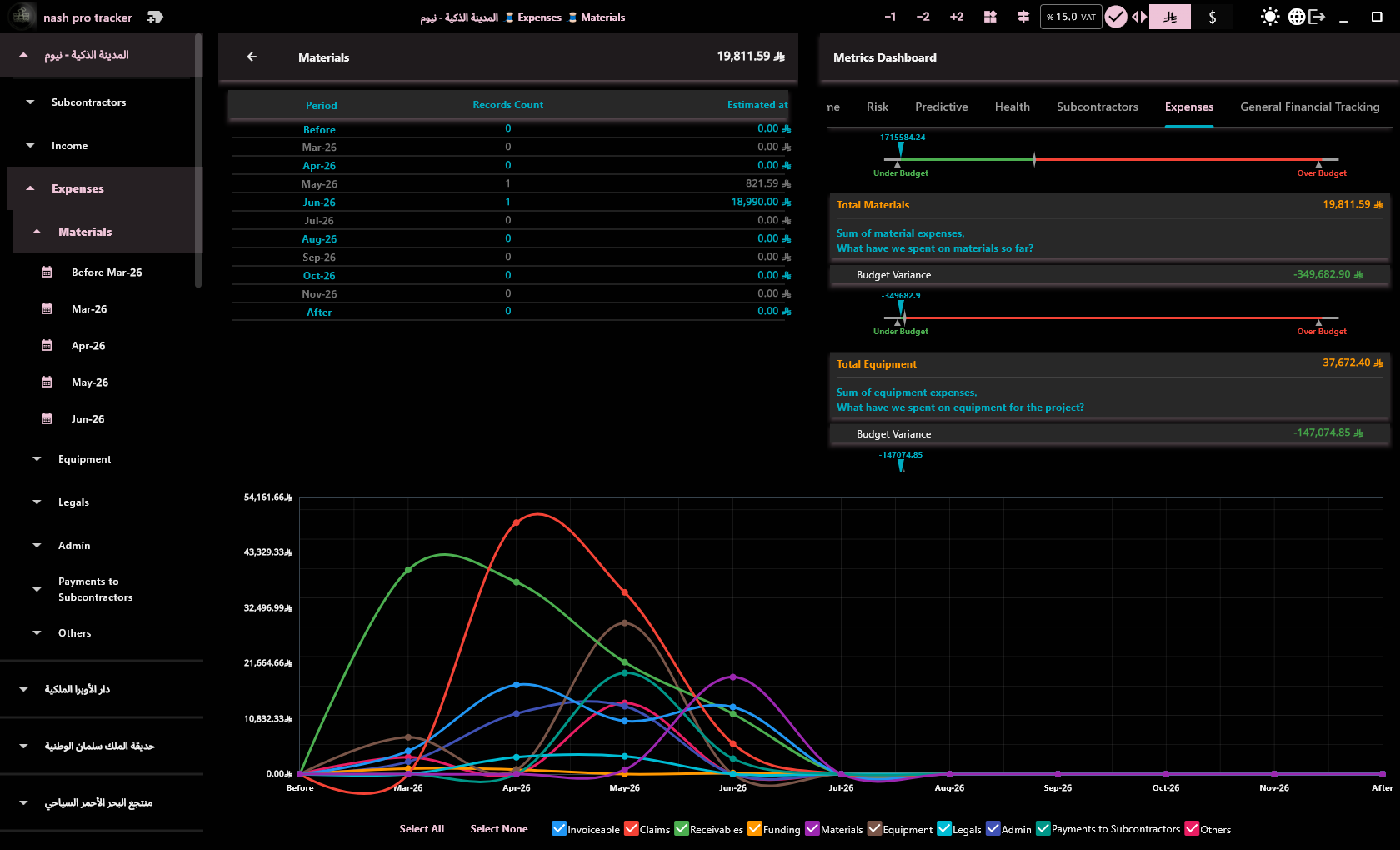
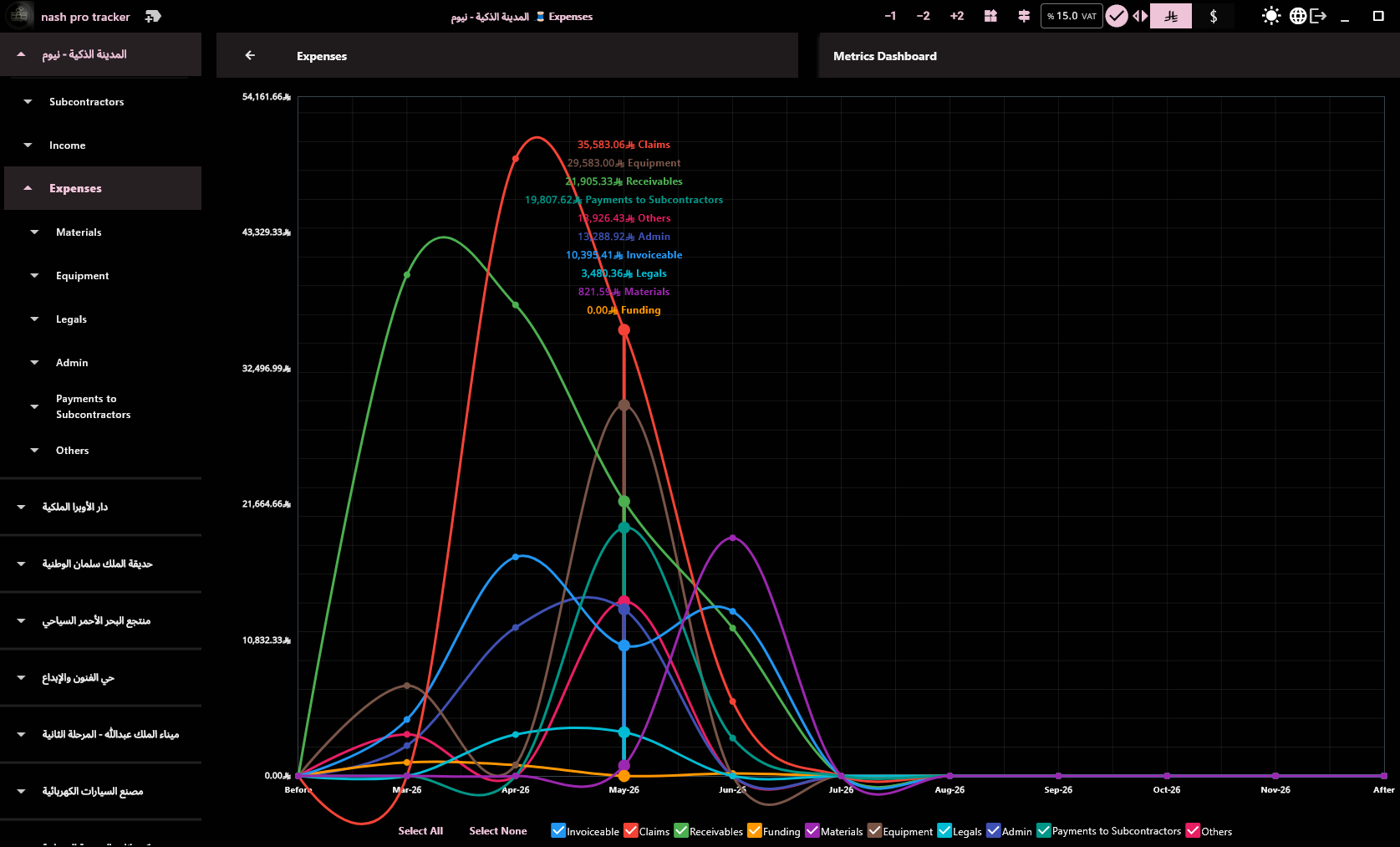
Track materials, equipment, legal, admin, and other costs.

KPI Reports

View gross margin, billing efficiency, claims velocity, and more.

CSV Export

Export any financial view to CSV for your accountant.

Start Your 30-Day Free Trial

No commitment. Register once, download and start tracking.

Create Your Account

30-Day Free Trial — all features, try it yourself. After trial, license check requires periodic internet connectivity.
🔒
Your data never leaves your machine. Only your email and phone are stored for technical support. No tracking, no analytics.
🖥️
Why a Windows app, not web or mobile? Managing payment schedules, expenses, and subcontractor contracts requires a large screen, keyboard, and focused work. This isn't a quick-consumption app — it's a desk tool. The app works offline and your data never leaves your machine, which cloud apps cannot offer.
⬇️
Installation guide (bypassing Windows warnings)
  1. In your browser: click Keep anyway on the download warning
  2. Extract the .exe installer from the .zip archive (the download is zipped to avoid Windows' mark-of-the-web block)
  3. When opening the file: click More info then Run anyway
  4. If prompted for admin permissions: click Yes

These warnings are normal because the app hasn't been widely distributed yet. As more users install it, they will gradually disappear.